
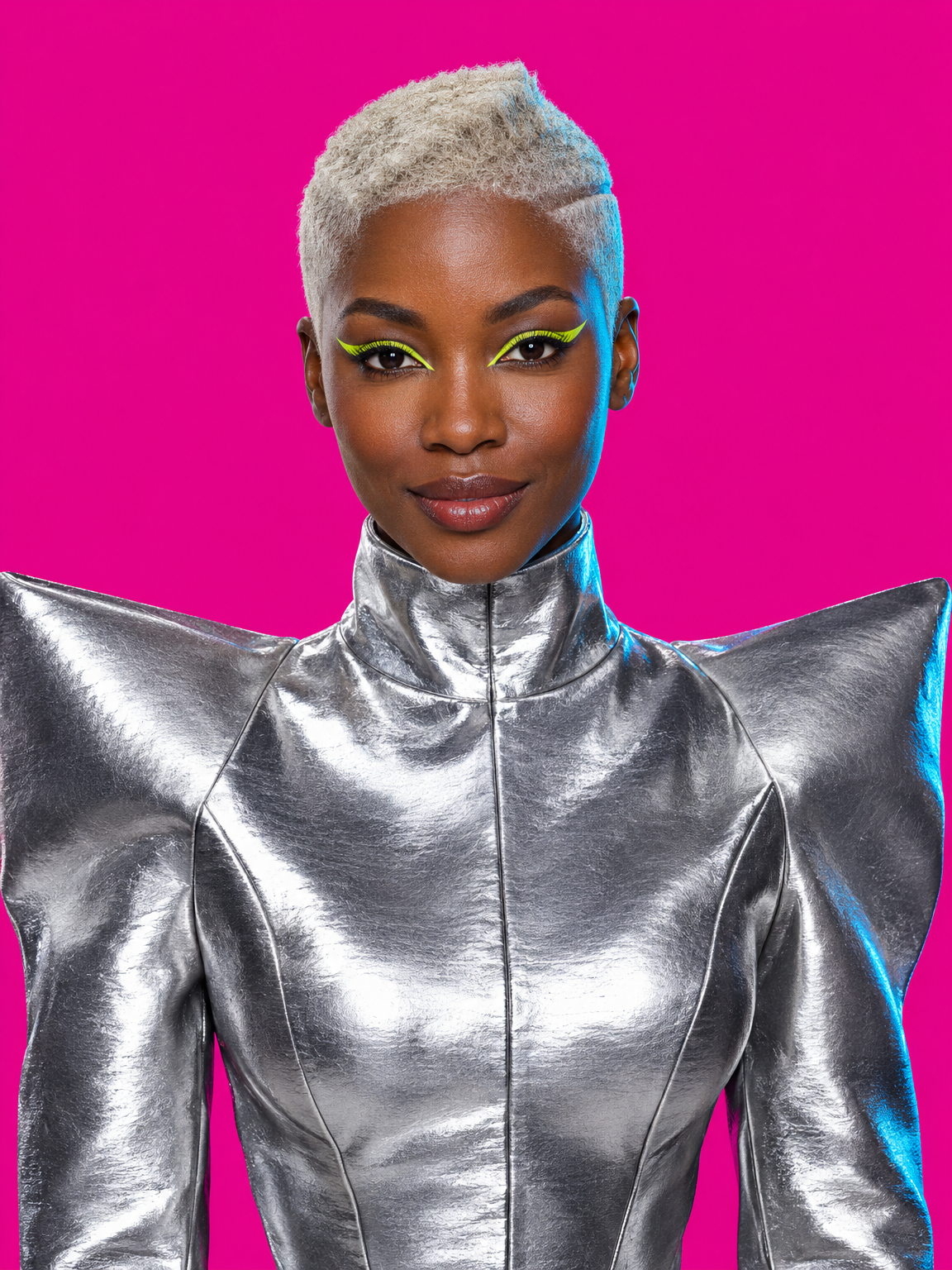
 A portrait from the future
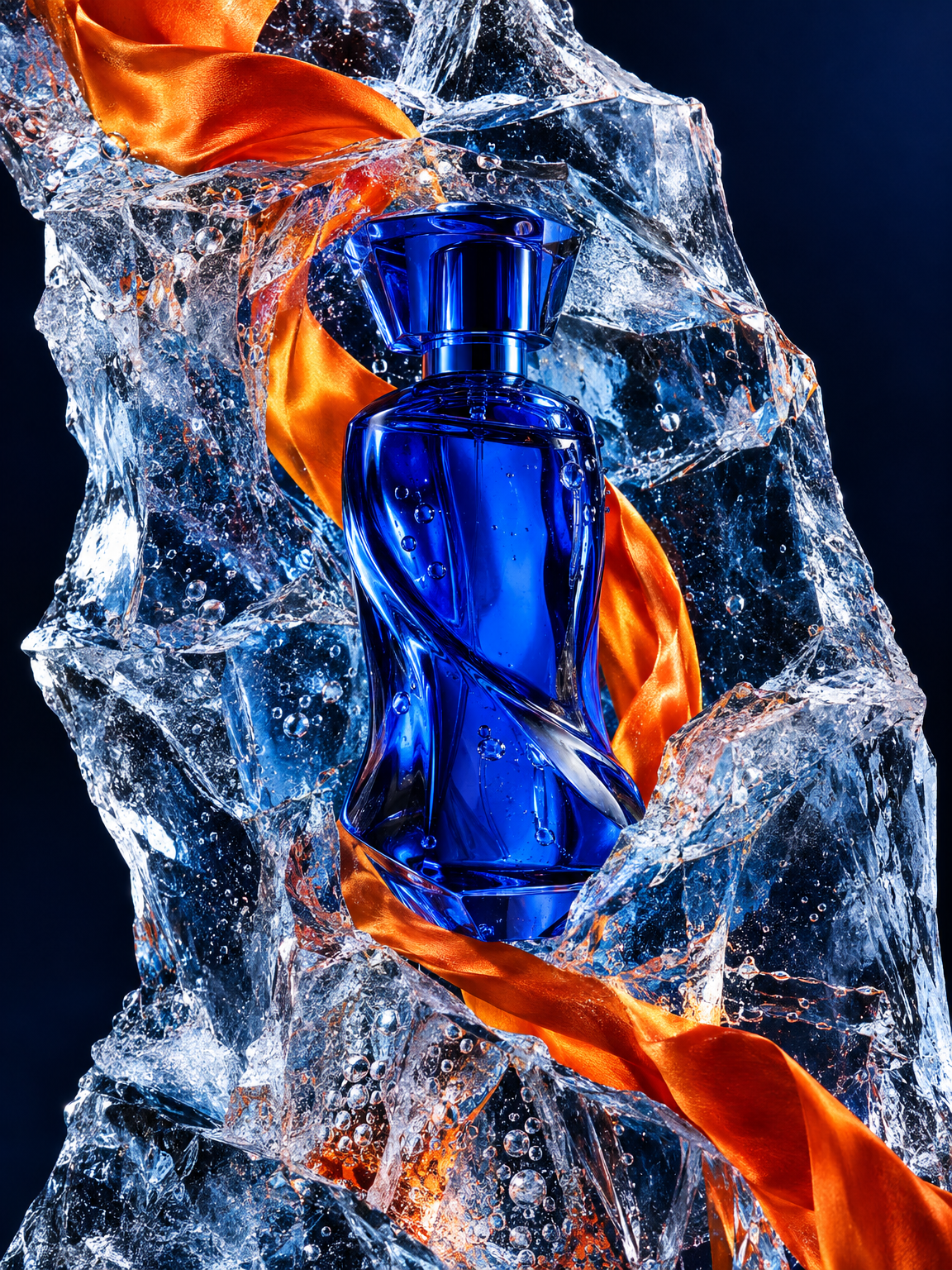 Perfume in ice and fire
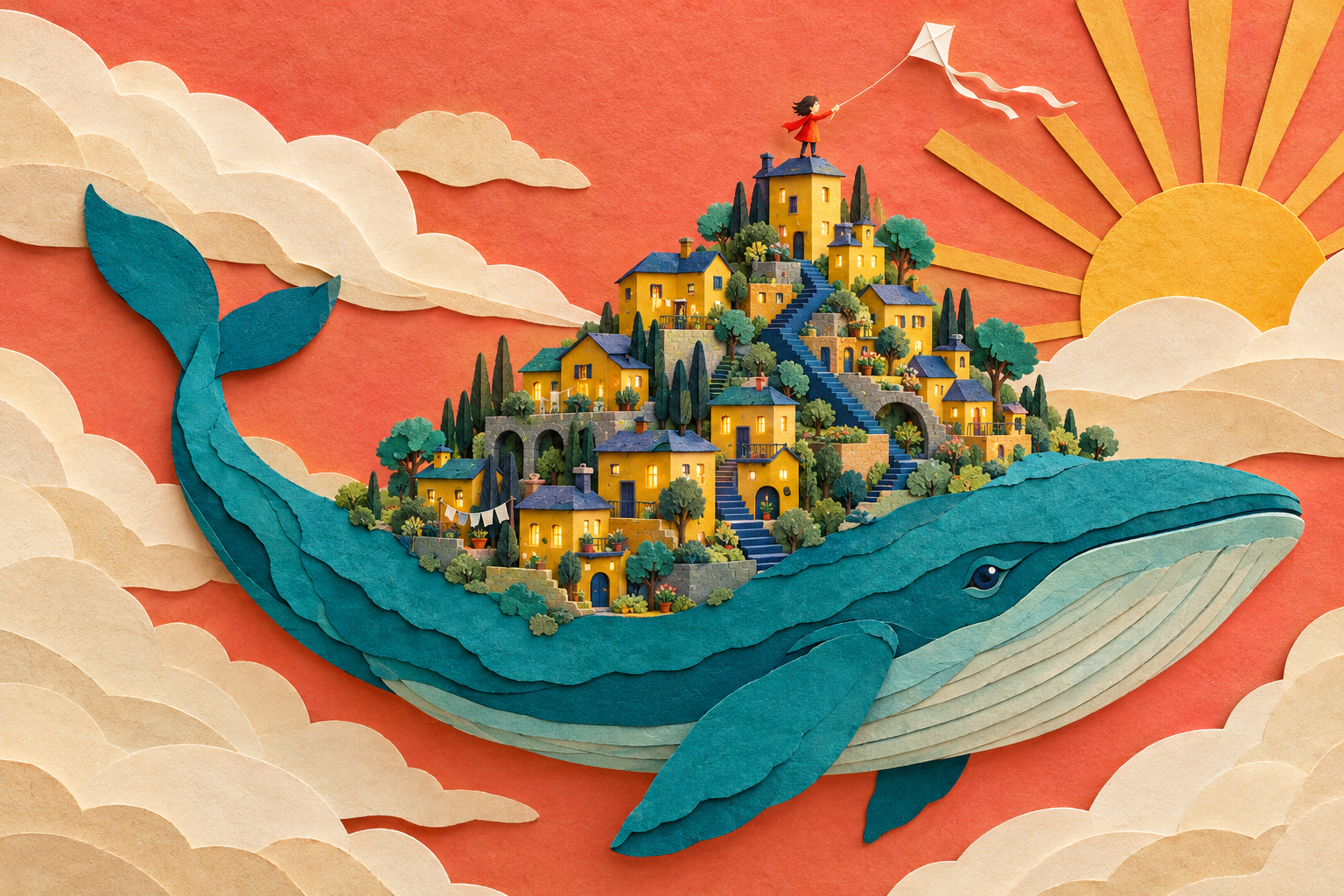 A city on a whale
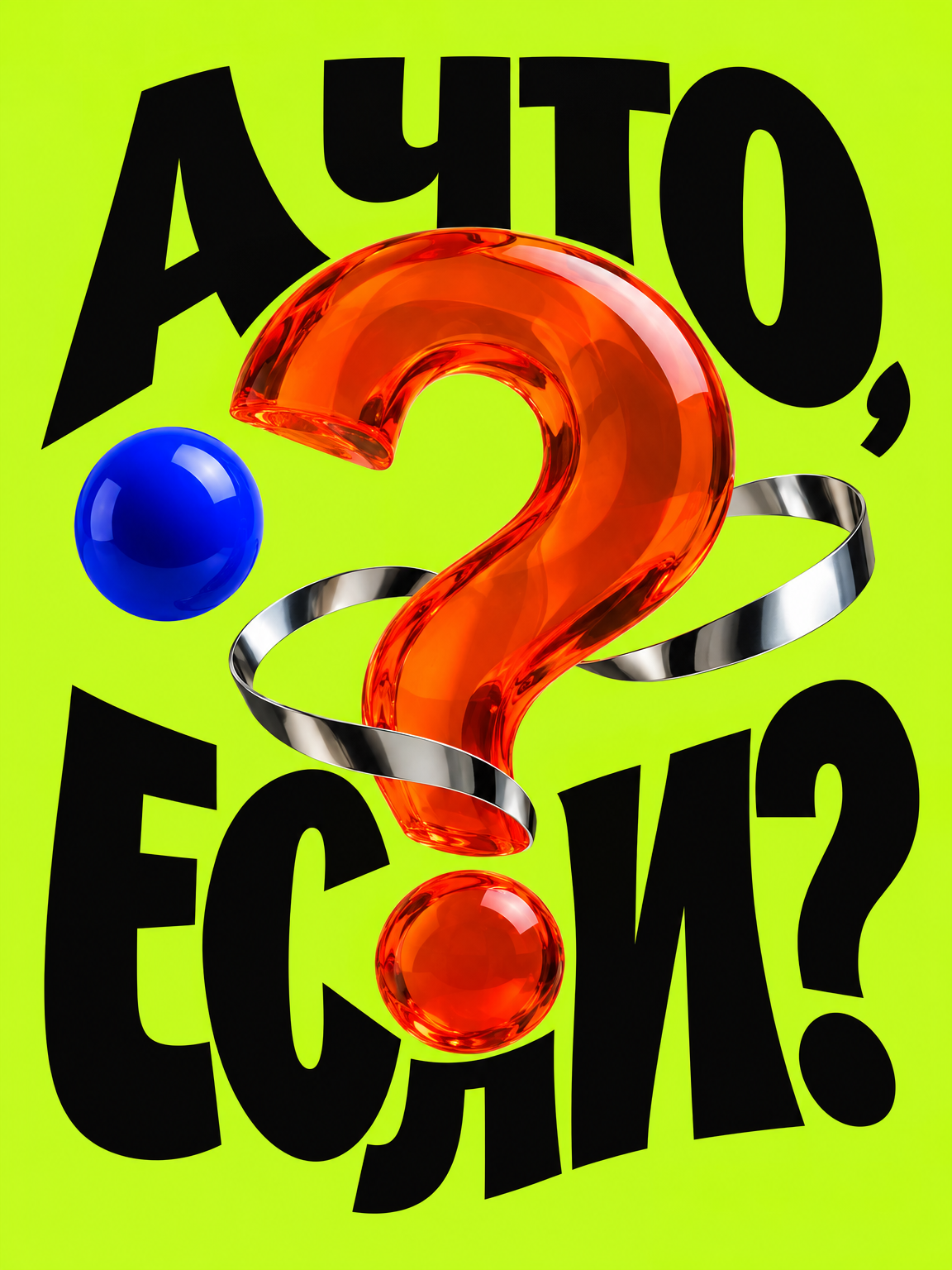 What if?
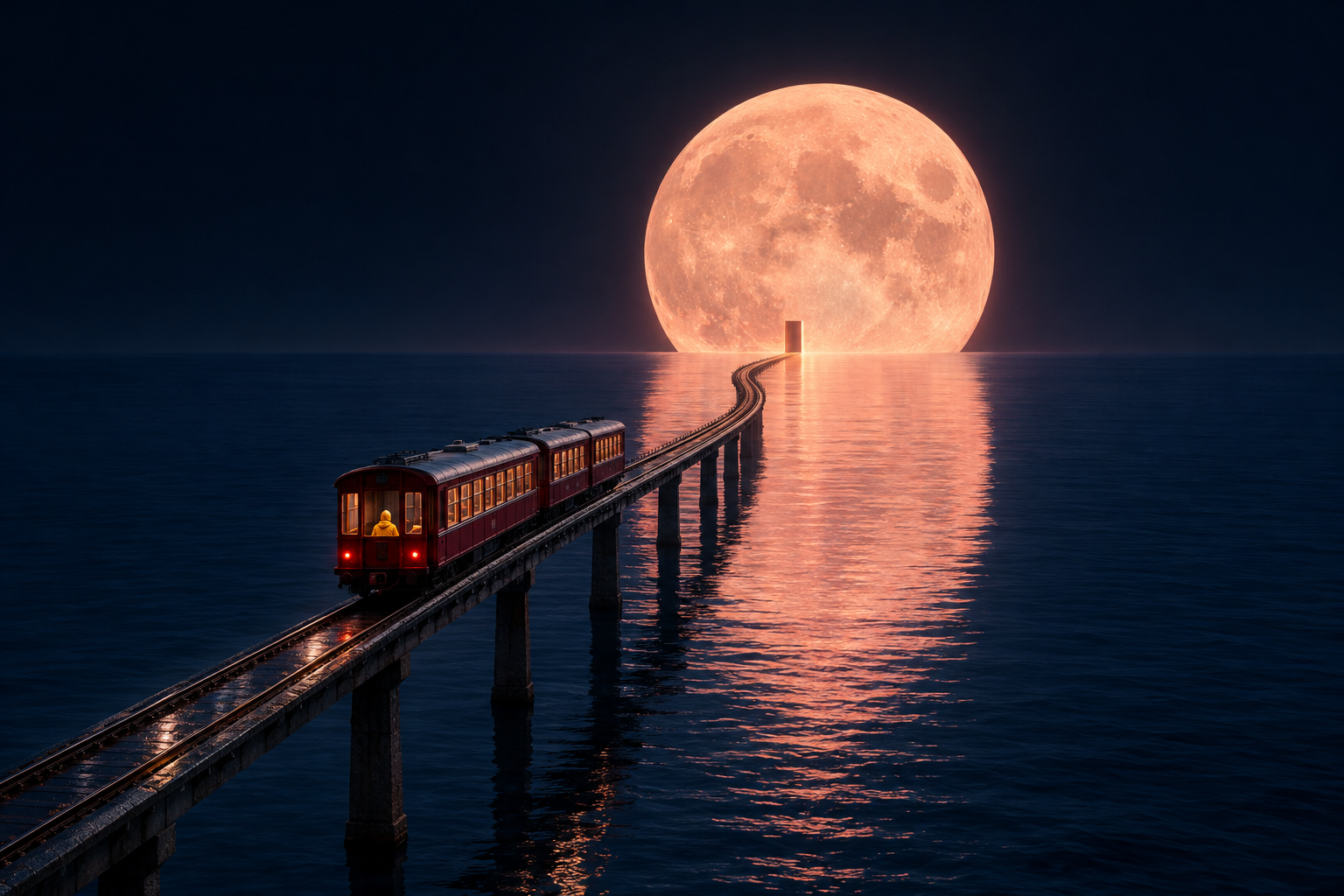 The last train to the Moon
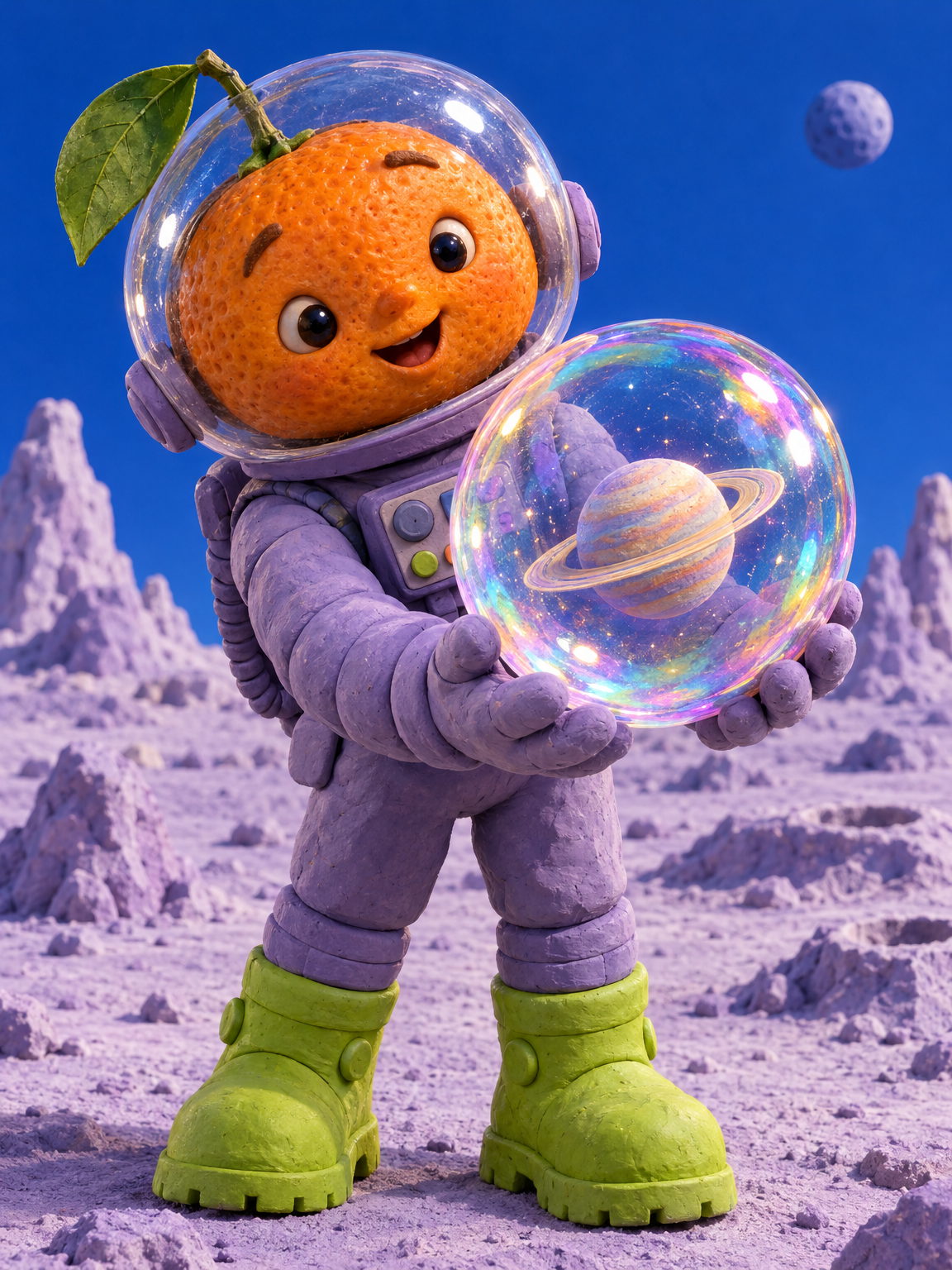 A cosmic mandarin
OPENAI · YOUR IDEA IN DETAIL
GPT IMAGE 2.5Create images.
Edit photographs.

From a product concept to a new look.
Describe your idea or upload a reference,
then specify the changes you need.
- Text and images
- Reference inputs
- Image editing
Check settings and cost before starting
GPT Image 2.5: examples and original prompts
Existing Most AI examples with the actual model identified. Source prompts are preserved; some original prompts or audio samples are in Russian. Use your own permitted references where required.
GPT Image 2.5 in Most AI
GPT Image 2.5 in Most AI includes separate Flare and Sunburst model entries. The main launch link opens Flare. Choose the variant intentionally and check its own settings and cost; an example from one variant does not establish the result of another.
A useful visual brief names the subject, composition, lighting and intended use. For an edit, explain what should change and which features must remain recognisable. Exact lettering, product shape and faces still need inspection in the final image.
Ways to use this model
Product and campaign concepts
Prepare the product source and state the background, framing and light you want. Check the logo, label and important proportions before client use.
Image editing
Ask for a defined change such as a setting, colour or local detail. Compare the output with the original rather than relying on a general instruction to keep everything else unchanged.
Illustration and layout ideas
Describe the visual hierarchy and format. Generate a concept, then finish exact typography and production layout in a suitable editor.
How to start with GPT Image 2.5
Prepare a visual brief
Specify the subject, composition, light and intended format. For an edit, upload a clear reference and explain which parts should change and which should remain recognisable.
Choose the model and format
Select the intended version in Most AI. Check the supported reference inputs, aspect ratio and resolution. Review the current price before submitting the task.
Inspect the details
Open the full image and check lettering, faces, hands, product geometry and any detail that must match a reference. An attractive composition can still contain factual or visual errors. Keep the original files for comparison.
Settings and cost
- Flare or Sunburst
- These are distinct catalogue models. Check the selected version in the studio and compare them on a shared brief only when both support the intended inputs.
- Resolution and references
- Choose the available image size, aspect ratio and reference inputs. Avoid uploading extra files that do not help explain the edit.
- Cost before you start
- Review the price for your selected model and settings in the studio. A catalogue starting price is not a quote for every duration, resolution or text length. Availability and limits may change.
Check current conditions in the studio. Pricing information (Russian)
GPT Image 2.5: questions answered
Does GPT Image 2.5 always render text correctly?
No. Supply the exact wording, keep it short and inspect every character. For text that must be exact, add or replace it in a design editor after generating the visual.
Is an example prompt enough to reproduce a referenced image?
No. Reference-led examples also depend on their source files. Use your own permitted inputs and adapt the prompt to them; do not treat the prompt alone as a complete reproduction recipe.
How much does it cost in Most AI?
The studio shows the current cost for the selected settings before a media task starts. Duration, resolution, model version or text length can affect it. Check your account for current payment options and any available free quota; this page does not promise free or unlimited generation.
Can I repeat a result from an example?
You can use an example prompt as a starting point. Add your own reference files when the workflow requires them. A prompt does not guarantee an identical result: the input materials, settings, model version and generation can all change the output.
Can I use the result in client work?
Check the applicable service and model terms and the rights to uploaded or depicted material before publishing. Review the output yourself. This page does not grant rights to a third party's image, voice, brand, music or likeness.