
A studio turn
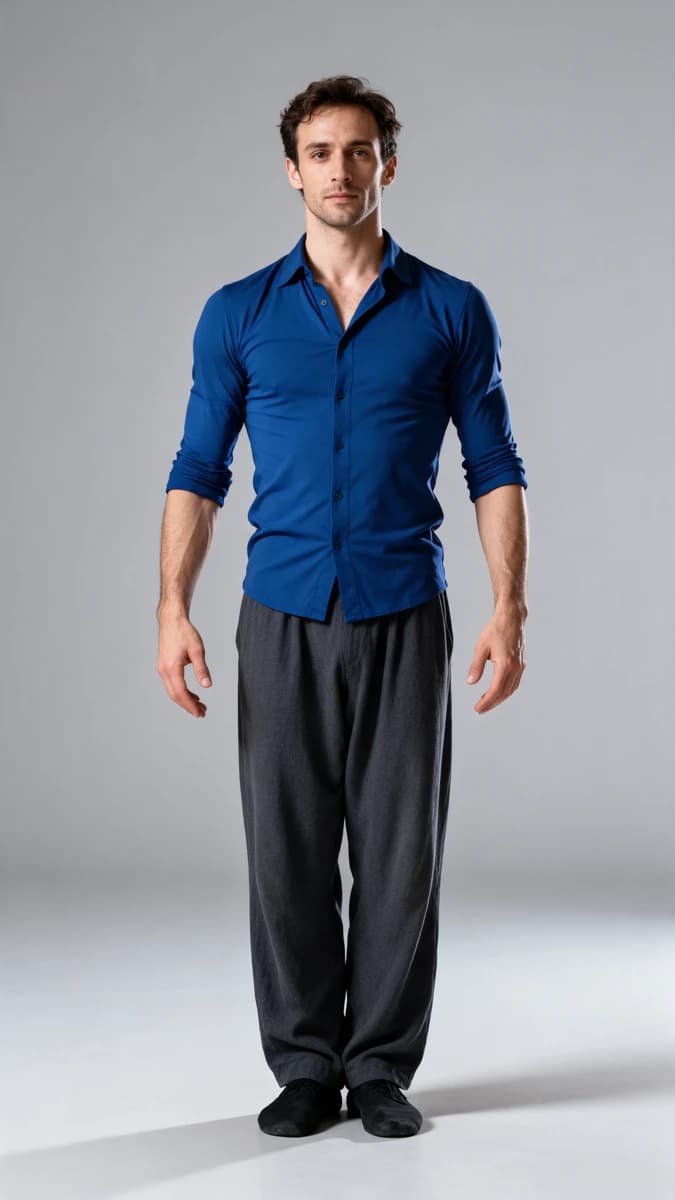
A gentle movement
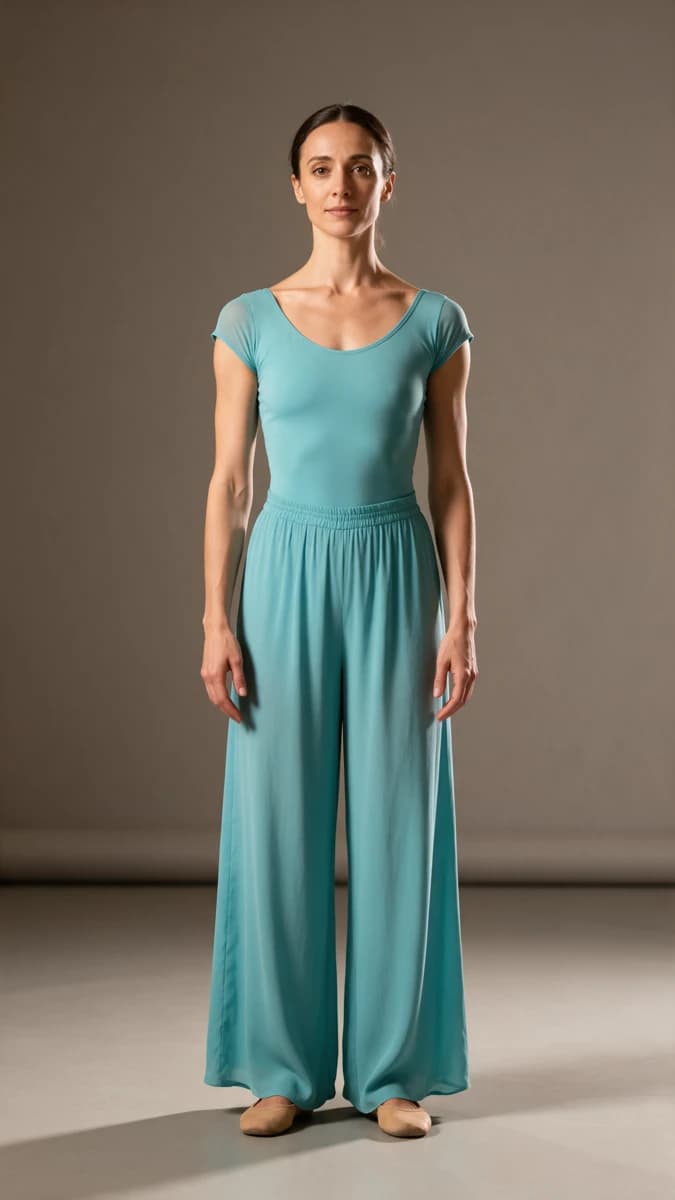
 KLING MOTION
Kling 3.0 Motion Control: examples and original prompts
Existing Most AI examples with the actual model identified. Source prompts are preserved; some original prompts or audio samples are in Russian. Use your own permitted references where required.
Browse the source prompts for the examples shown above.
Kling 3.0 Motion Control in Most AI
Motion Control is a reference-led character workflow, not a promise of an exact camera path for every scene. Prepare a character image and the motion input offered by the selected studio mode. The example pairs on this page keep the source and generated result identifiable.
Choose a reference where the moving body parts are visible. Clothing, occlusion, a cropped body or a camera angle very different from the target can make the transfer ambiguous. Review feet, hands, contact with the ground and turns through the whole clip.
Ways to use this model
A clear body movement
Use a reference with a readable pose and visible limbs. Match framing and approximate body scale in the character image.
A restrained turn
Start with a movement that does not require inventing large unseen parts of the subject. Inspect how appearance changes during the turn.
Compare source and result
Watch both at the same points in time. Check direction, timing and foot contact instead of accepting only a convincing opening frame.
How to start with Kling 3.0 Motion Control
Prepare a compatible character
Use a clear image with framing that matches the movement reference. Make the body parts involved in the intended action visible.
Select a readable motion input
Use the source options offered in the studio. Prefer a stable reference with visible limbs and limited occlusion. Review the settings and cost before starting.
Compare the whole movement
Watch source and result together. Check legs, hands, ground contact and turns, especially in the final frames. Reject distortions instead of judging only the first pose.
Settings and cost
- Source compatibility
- Use the inputs required by the selected Motion Control form. A generic video generator and a Motion Control preset do not necessarily accept the same files.
- Reference quality
- Prefer a stable reference with clearly visible moving parts. A long dress or persistent obstruction can hide the leg movement the result must infer.
- Cost before you start
- Review the price for your selected model and settings in the studio. A catalogue starting price is not a quote for every duration, resolution or text length. Availability and limits may change.
Check current conditions in the studio. Pricing information (Russian)
Kling 3.0 Motion Control: questions answered
Why can the legs or hands move incorrectly?
The source may hide the relevant motion, or the character framing and reference may be incompatible. A visually polished starting frame does not solve missing movement information. Choose a clearer source before spending on more attempts.
Does Motion Control copy the reference video exactly?
No. It generates a new result from the supplied inputs. Compare the sequence and reject distortions; use conventional editing when exact movement reproduction is essential.
How much does it cost in Most AI?
The studio shows the current cost for the selected settings before a media task starts. Duration, resolution, model version or text length can affect it. Check your account for current payment options and any available free quota; this page does not promise free or unlimited generation.
Can I repeat a result from an example?
You can use an example prompt as a starting point. Add your own reference files when the workflow requires them. A prompt does not guarantee an identical result: the input materials, settings, model version and generation can all change the output.
Can I use the result in client work?
Check the applicable service and model terms and the rights to uploaded or depicted material before publishing. Review the output yourself. This page does not grant rights to a third party's image, voice, brand, music or likeness.