Plan the source
Use material you are permitted to upload. A clear source and a focused brief make the result easier to evaluate.
Images, video, music, speech and text in one service. Choose a supported model and turn your brief into a result you can review.
One balance · Prices in rubles
Start creatingAI CREATION IN ONE WORKSPACE
Most AI brings together supported models for text, images, video, music and speech. A model’s name does not decide the whole workflow: check its available inputs, settings and price, then review the result against your brief.
For short video scenes, explore Seedance 2.5 and Wan 3.0. Our two-scene comparison includes complete outputs and the limits of that small test.
Create AI video from text, photographs or supported video references. Compare workflows, explore examples and open a compatible model in Most AI.
Explore the workflow ↗Generate images from text or edit a photograph with supported AI models in Most AI. Compare workflows, examples and the settings for your brief.
Explore the workflow ↗Create a song or instrumental with Suno in Most AI. Prepare lyrics and musical direction, review the available version and listen to the complete track.
Explore the workflow ↗Create speech from text with ElevenLabs or Gemini TTS in Most AI. Compare available voices, prepare pronunciation and review the recording.
Explore the workflow ↗TOOLS
A written brief, a photograph, a video reference, lyrics or a speech script: each starting point calls for a different workflow.
Text-to-video starts with a written description rather than a required source photograph. A practical brief names the subject and setting, describes one action over time and adds a camera instruction only when it serves the shot.
Explore this task ↗02 · VIDEOImage-to-video uses a source image to establish a scene, then generates moving frames. It works best as a task you can evaluate: a restrained expression, a simple object movement or a camera change compatible with what is visible in the image.
Explore this task ↗03 · VIDEOVideo-to-video can describe several different tasks. In a reference-led generator, a clip can guide motion, framing or pacing. In Motion Control, a movement reference helps animate a supplied character image. These workflows should not be advertised as arbitrary, exact editing of every frame.
Explore this task ↗04 · IMAGEText-to-image creates a new visual from a written brief. Name the focal subject and the intended use before adding style words. A poster, product concept and illustrated scene need different composition decisions even when they share a palette.
Explore this task ↗05 · IMAGEImage-to-image editing begins with a source and an instruction. A useful request separates the change from the features that should remain recognisable: the product, face, pose, camera angle or composition. Keep the original so that preservation can be checked, not assumed.
Explore this task ↗06 · MUSICText-to-music works from language, but two kinds of text serve different purposes: lyrics are words to be performed, while a style brief describes the music. Keep them separate so that the intended output is easier to evaluate.
Explore this task ↗07 · VOICEText-to-speech begins with a script that is ready to be spoken. Correct punctuation and concise sentences help convey pacing, but you still need to listen to the output to check it. Test unfamiliar names, abbreviations and numbers before creating a longer narration.
Explore this task ↗One workspace
Available models for video, images, speech and music. Each workflow has its own input options, limits and cost.

Kling 4.0
Kuaishou
Video from text and supported references.
GPT Image 2.5
OpenAI
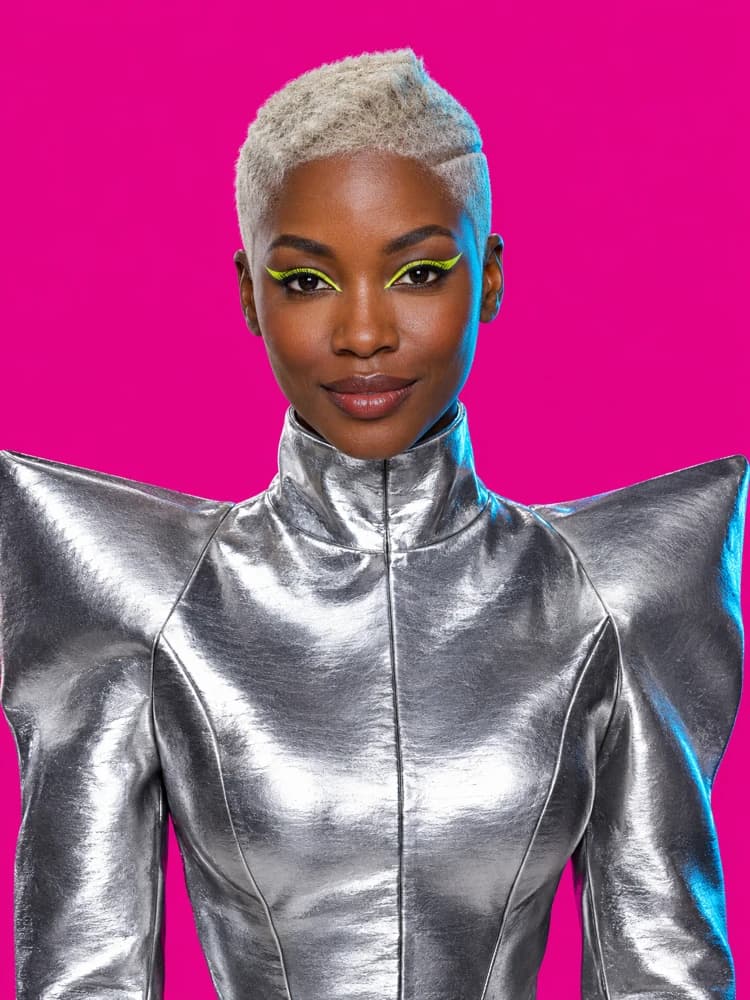
Image generation and editing: Flare and Sunburst.
Seedance 2.5
ByteDance
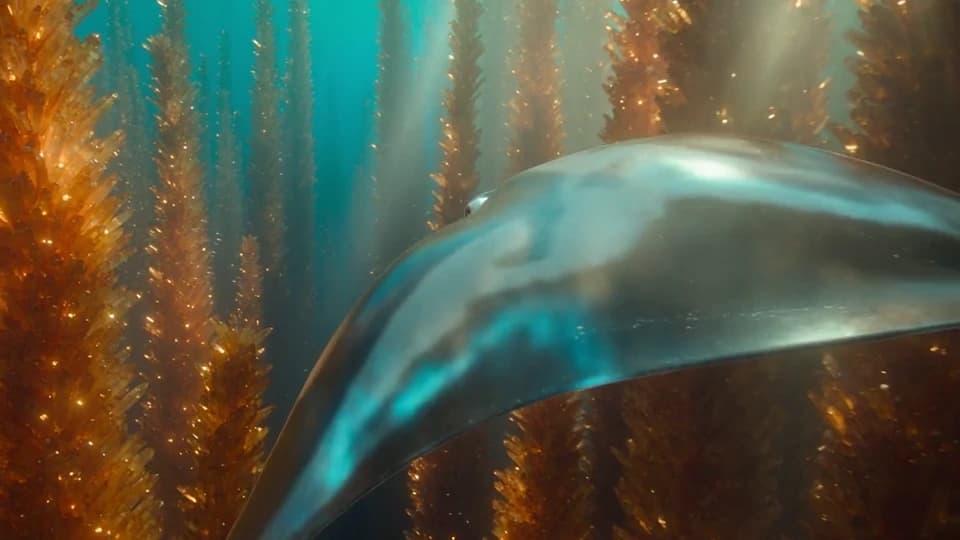
Video from text, images and supported references.
Wan 3.0
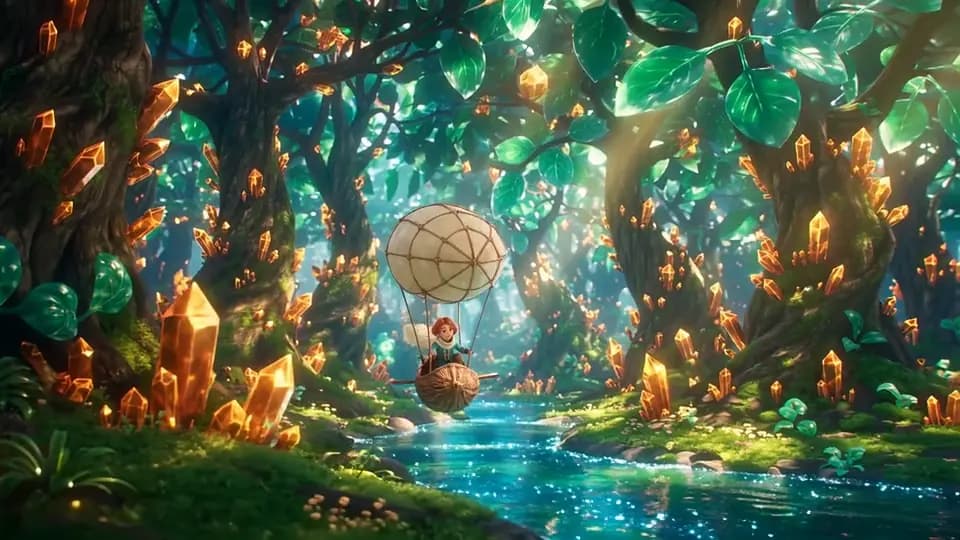
Create video from text and images.

Suno
Songs and instrumentals from a musical brief.
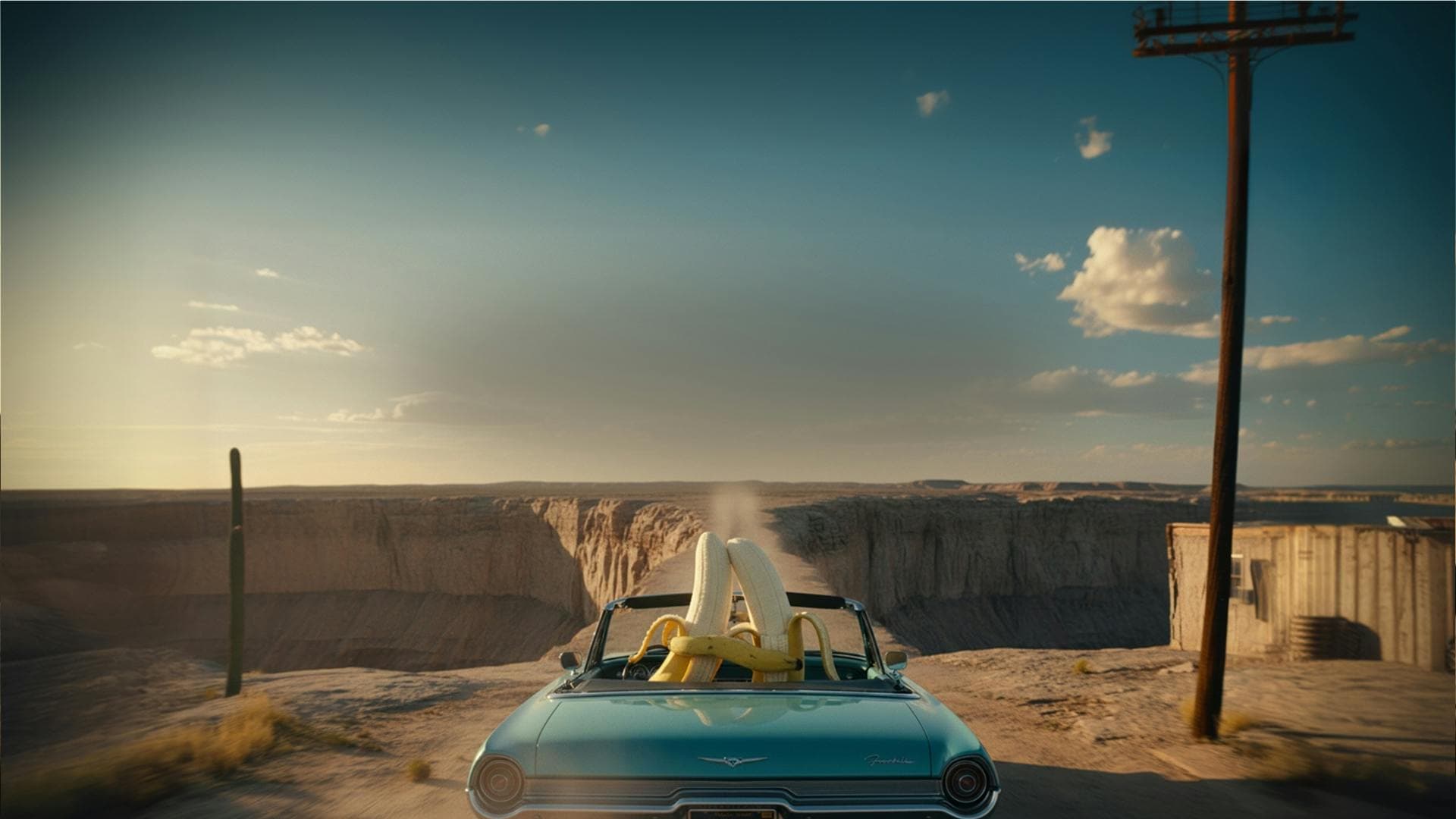
Nano Banana Pro
Reference-led image generation and editing.
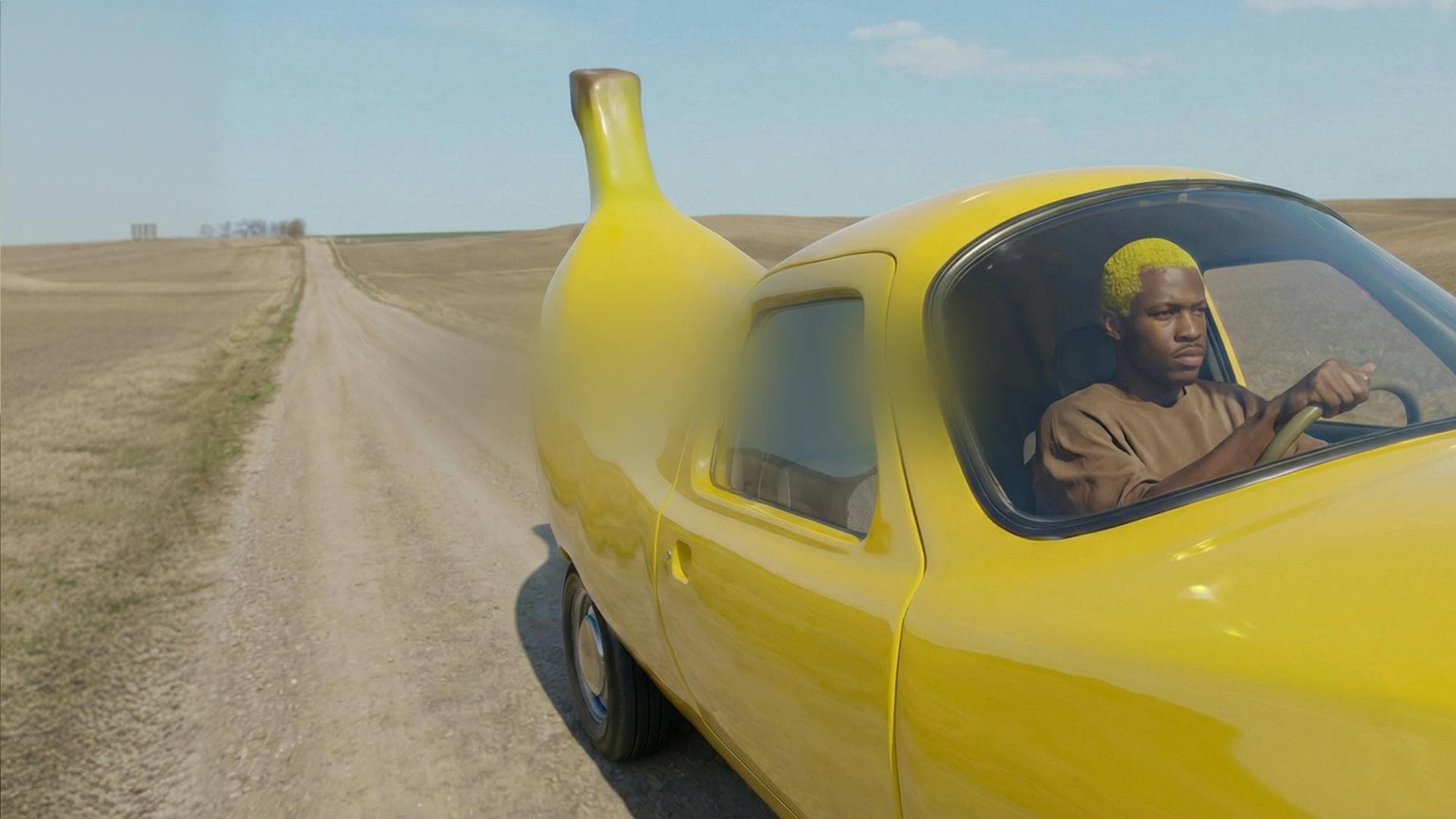
Nano Banana 2
Create images and revise photographs.
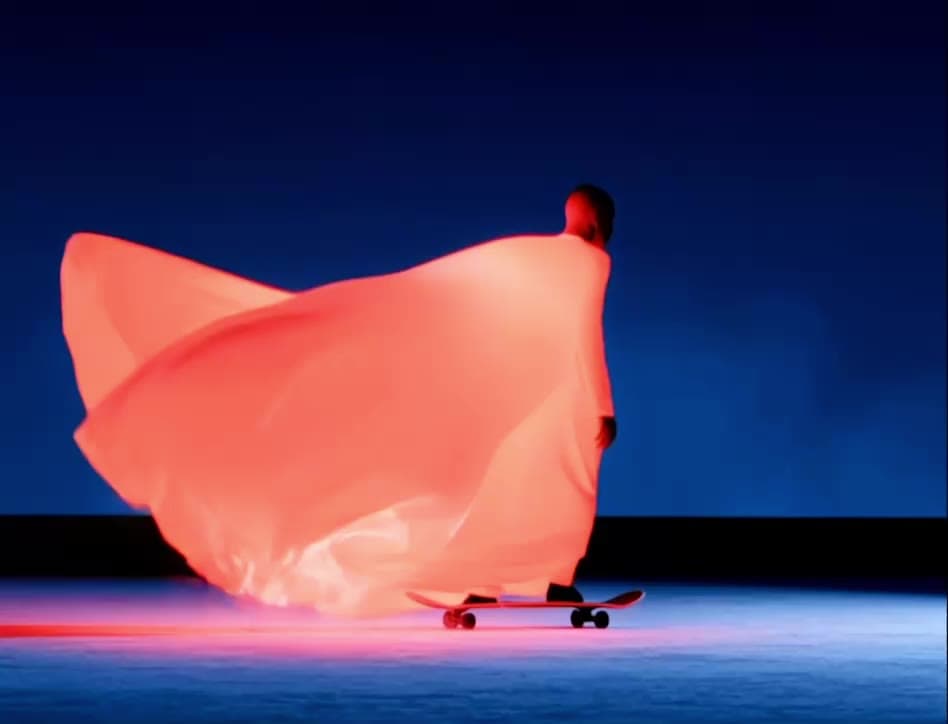
Kling 3.0
Kuaishou
Video from text and supported frame inputs.
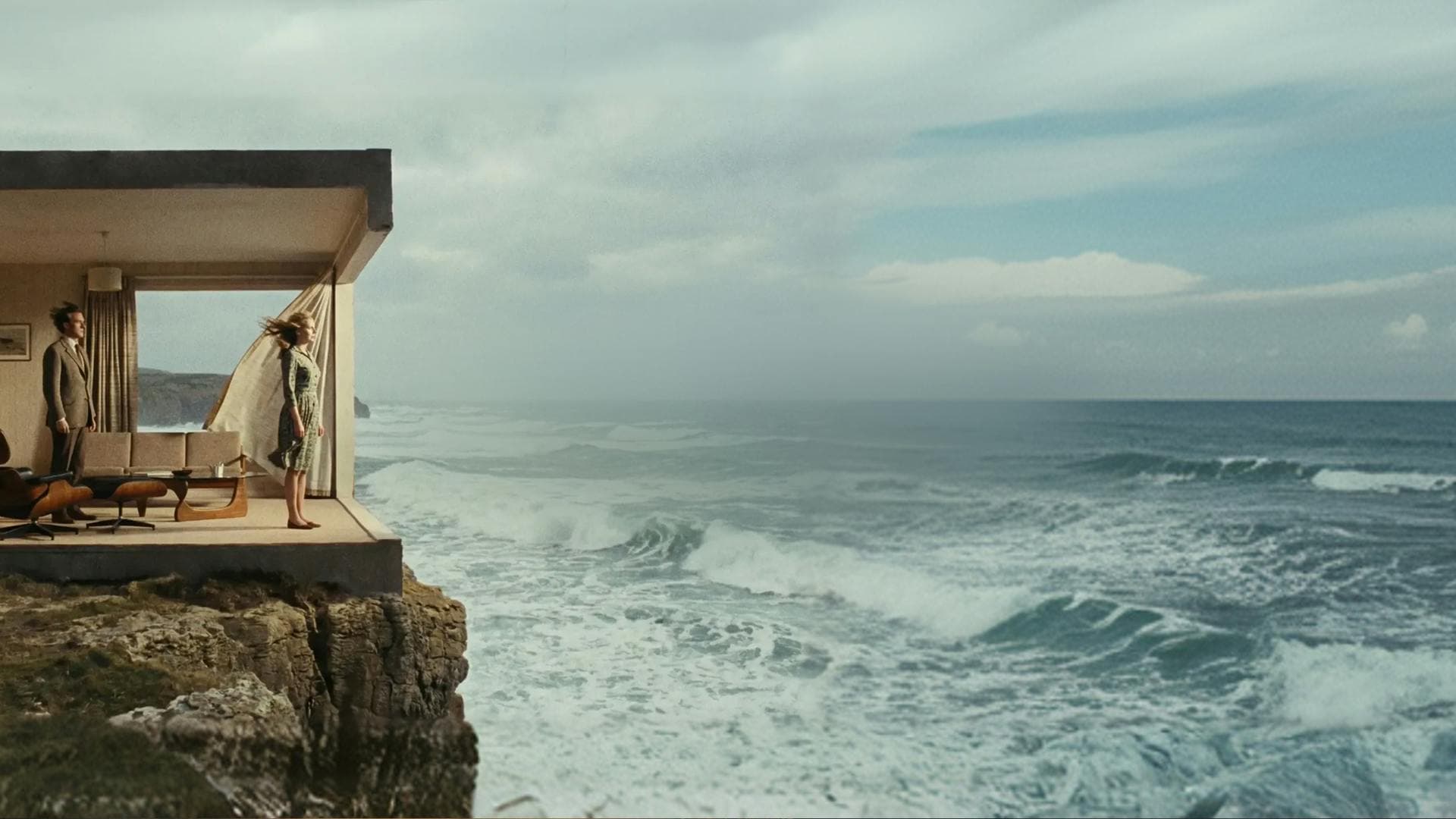
Seedream 5.0
ByteDance
Generate images and edit reference photographs.
GPT Image 2
OpenAI
Image creation and photo editing.
ElevenLabs
Turn a prepared script into speech.
PAY AS YOU GO
One shared balance for images, video, music and text. Use the models when you need them and check the cost before each run.
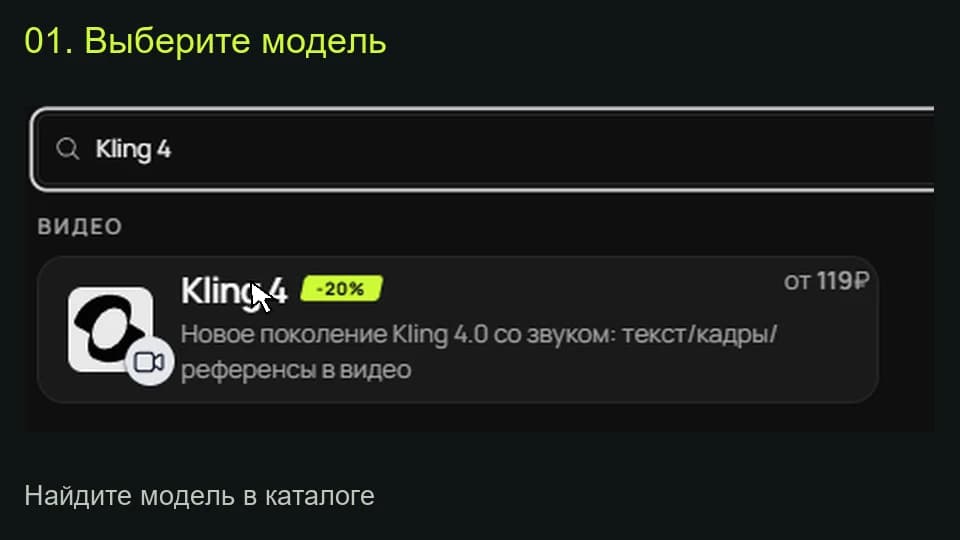
Explore the examples and choose one clear result: an image, a short video, speech or music. Open a model that supports the required inputs.
Walkthrough recorded in the Russian interface.
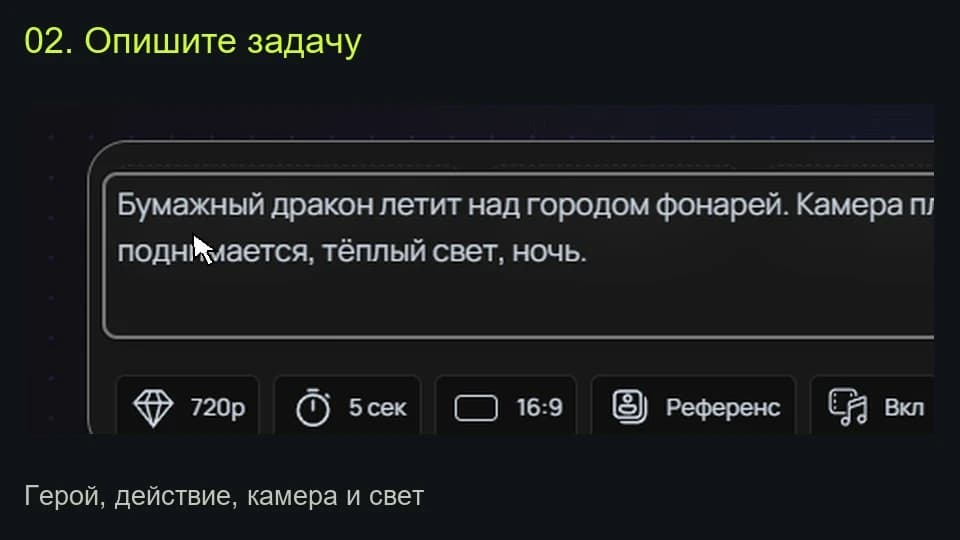
Describe the result and add relevant source files when required. Explain the role of each reference and remove instructions that compete with the main task.
Walkthrough recorded in the Russian interface.
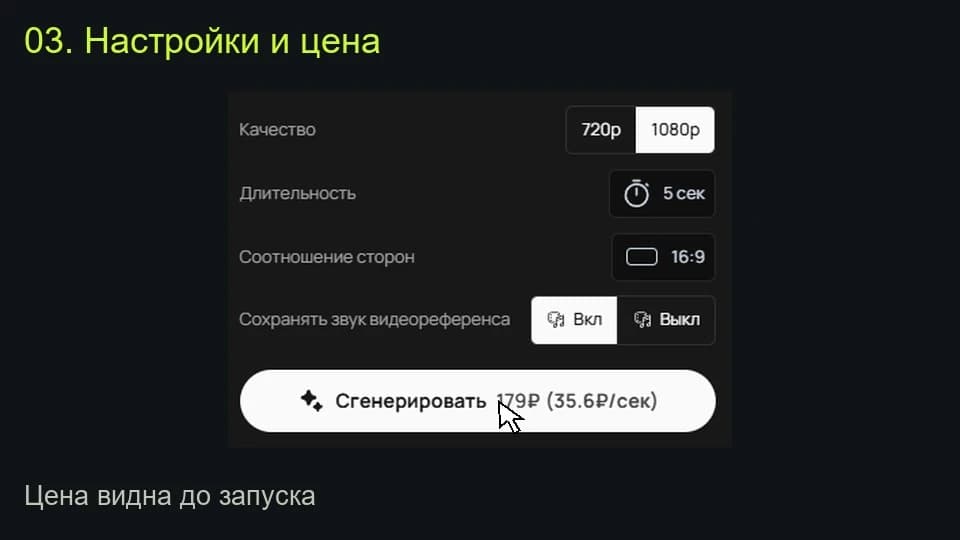
Review the selected model and available output settings before starting. Inspect the complete result, then change one part of the brief for the next version.
Walkthrough recorded in the Russian interface.
Use material you are permitted to upload. A clear source and a focused brief make the result easier to evaluate.
Compare complete outputs and the total cost of usable attempts. A striking thumbnail does not establish a good final asset.
Add exact text, layouts and cuts in an editor where needed. Check applicable terms and the rights to source material before publishing.
Questions
Most AI brings together available models for text, images, video, music and speech. The catalogue and the selected studio form show which versions and input modes are currently offered. Choose the workflow that fits your source material and intended result.
Start with your task: a new image, an edit, a video from a photo, a reference-led scene, music or speech. Check that the selected model supports the required inputs. Compare complete results using a clear brief rather than assuming one model is best for every project.
The studio displays the current cost for the selected media model and settings before submission. Duration, quality, version or text length can affect it. Text-model usage can follow separate message-credit conditions. Review your account and the current form; no fixed free quota or unlimited usage is promised here.
Use source material you are permitted to submit. Avoid adding sensitive information that the task does not require. Review the privacy policy and applicable service conditions before uploading files.
Check the applicable service and model terms and the rights to the source material, depicted people, brands, music and voices. Review the output before publishing. Creating a file does not itself grant permission to use third-party material.
Open Most AI, select a supported model and review its settings and cost before starting.