
Narration
Write clear sentences, remove production notes and plan pauses. Check proper names and abbreviations before making a long recording.
MOST AI · CHOOSE YOUR TASK
Prepare the text.
Choose the delivery.
Create speech from text with ElevenLabs or Gemini TTS in Most AI. Compare available voices, prepare pronunciation and review the recording.
Review settings and cost before starting
A text-to-speech workflow turns prepared words into a voice recording. Choose an available speech model and voice, then inspect pronunciation, pacing and continuity. This is separate from unconfirmed voice cloning or speech-to-speech workflows.
Write clear sentences, remove production notes and plan pauses. Check proper names and abbreviations before making a long recording.
Use a supported dialogue mode and assign lines clearly. Listen for speaker changes and interruptions in the finished audio.
Make the script fit the available time. Test difficult wording and leave room for pauses in the edit.
Existing Most AI work with the actual model identified. Original source prompts are preserved and may be in Russian. Audio samples may contain Russian speech or lyrics; they are not presented as English-language generations.
Open selects the model in the studio. Review its actual name and available inputs before starting. An overview link is provided only where the corresponding English page is ready.
Turn text into speech with ElevenLabs V3 or V4 in Most AI. Choose a voice, prepare pronunciation and review the full narration or dialogue.
Create speech with Gemini 3.1 TTS in Most AI. Prepare a script, choose an available voice and describe the intended pace and delivery.
Remove headings and notes that should not be spoken. Expand ambiguous abbreviations and numbers and keep delivery instructions separate.
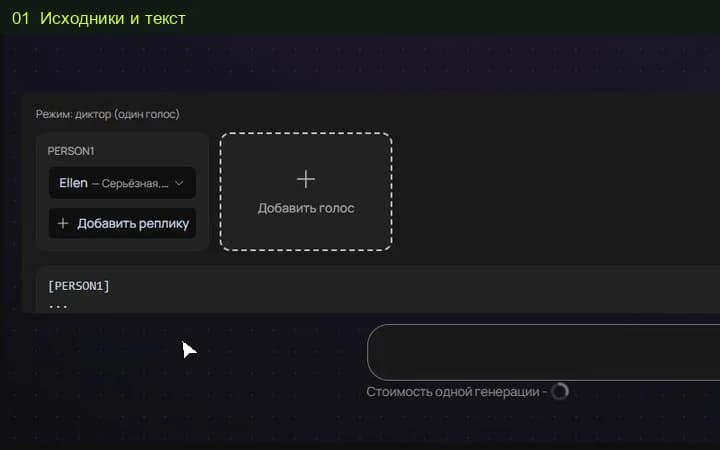
Select ElevenLabs or Gemini TTS in the studio. Review available voice and mode settings and the cost before starting.
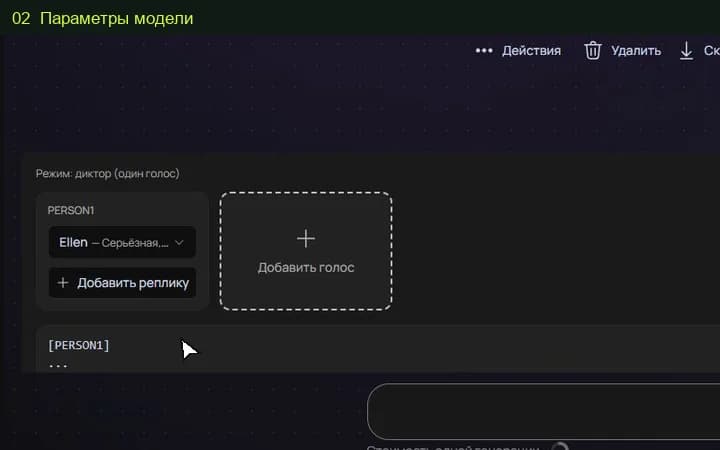
Review the entire file for pronunciation, pacing and speaker continuity. Test difficult phrases with a short excerpt before a longer recording.
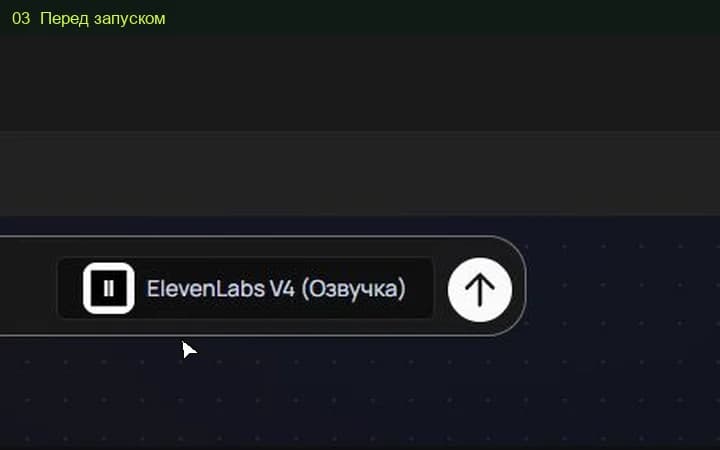
The studio shows the total for the selected settings before a media task starts. Pricing information (Russian) ↗
The confirmed workflow on this page is text-to-speech with available voices. Voice cloning is not advertised as available without a separate confirmed studio workflow.
Compare a short script with the available voices in ElevenLabs and Gemini TTS. Judge clarity, names, pacing and cost for your task rather than a universal quality claim.
Select the model and settings in the studio to see the current price before submitting a media task. Different versions, output quality, duration or text length can change the total. Check your account for any available free quota; this page does not promise unlimited or free access.
An example is a starting point. Reference-led work also depends on the source files, settings and model version. Add your own permitted inputs and adapt the brief to them. Neither an original prompt nor a translated explanation guarantees an identical output.