
Text to video
Describe a new shot when you do not need to preserve an existing image. Define the action and camera movement, then inspect continuity in the result.
MOST AI · CHOOSE YOUR TASK
Choose a starting point.
Create your next shot.
Create AI video from text, photographs or supported video references. Compare workflows, explore examples and open a compatible model in Most AI.
Review settings and cost before starting
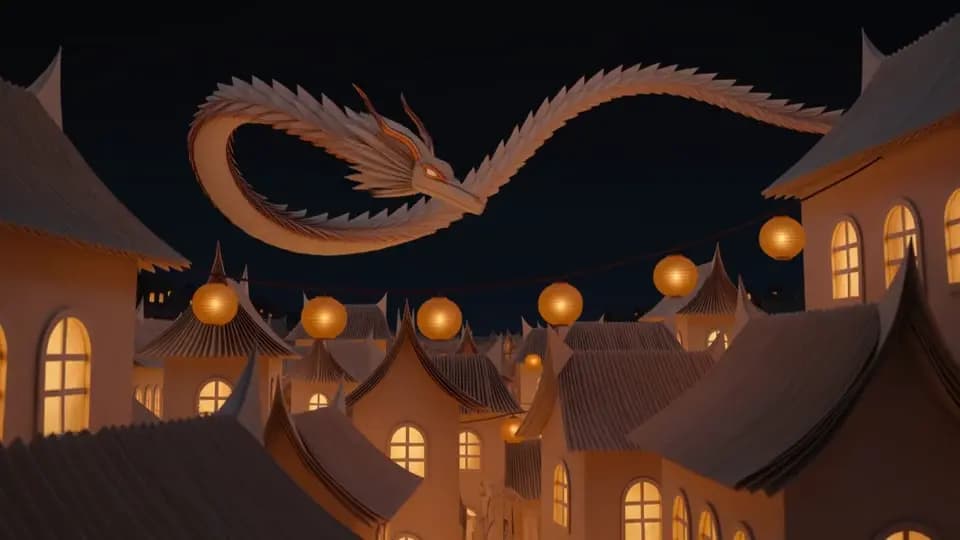
EXAMPLE OUTPUT
An AI video generator creates moving footage from a brief and any supported reference inputs. Most AI brings available video models into one studio, but their input modes and output settings differ. Choose the workflow first, then the model.
Describe a new shot when you do not need to preserve an existing image. Define the action and camera movement, then inspect continuity in the result.
Start from a prepared photo or illustration when the opening appearance matters. Describe movement that fits the source and check whether important details change.
Use a compatible reference-led model when an existing clip communicates motion or pacing. Character Motion Control is a specific workflow and needs compatible inputs.
Existing Most AI work with the actual model identified. Original source prompts are preserved and may be in Russian. Audio samples may contain Russian speech or lyrics; they are not presented as English-language generations.
Open selects the model in the studio. Review its actual name and available inputs before starting. An overview link is provided only where the corresponding English page is ready.
Create AI video in Kling 4.0 from a scene description or supported visual references. Explore Most AI examples, plan a shot and check settings and cost in the studio.
Create video from text, images and supported references with Seedance 2.5. See Most AI examples and learn to separate the roles of your input files.
Make AI video from text or images with Wan 3.0 in Most AI. Explore examples, prepare references and review the whole clip before using it.
Decide whether the shot starts from text, a photograph or a video reference. Pick a model that supports that input instead of selecting it only by name.
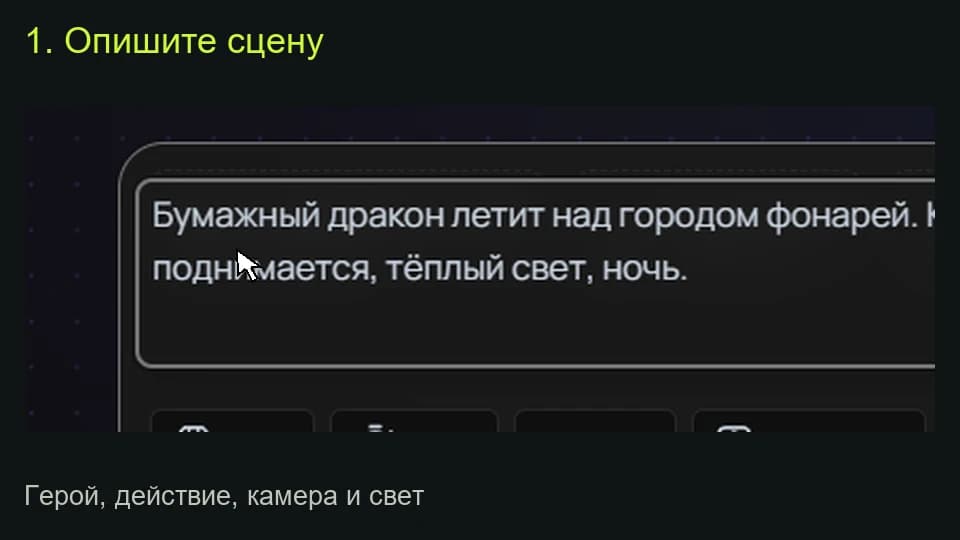
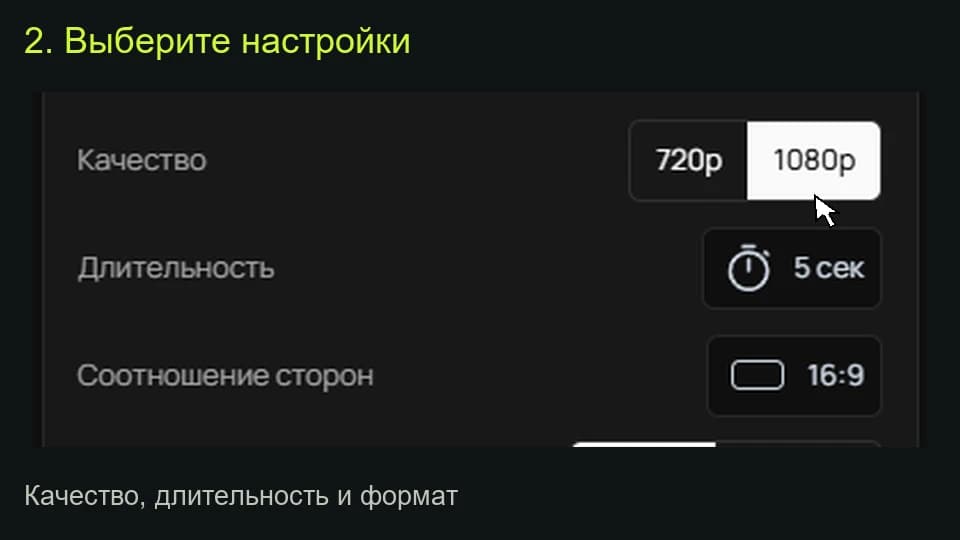
Specify one subject, one action and the intended framing. Explain the role of each reference, then check output settings and the displayed cost.
Watch the complete clip, including the middle and final frames. Check sound where relevant. Assemble accepted shots, captions and exact titles in an editor.
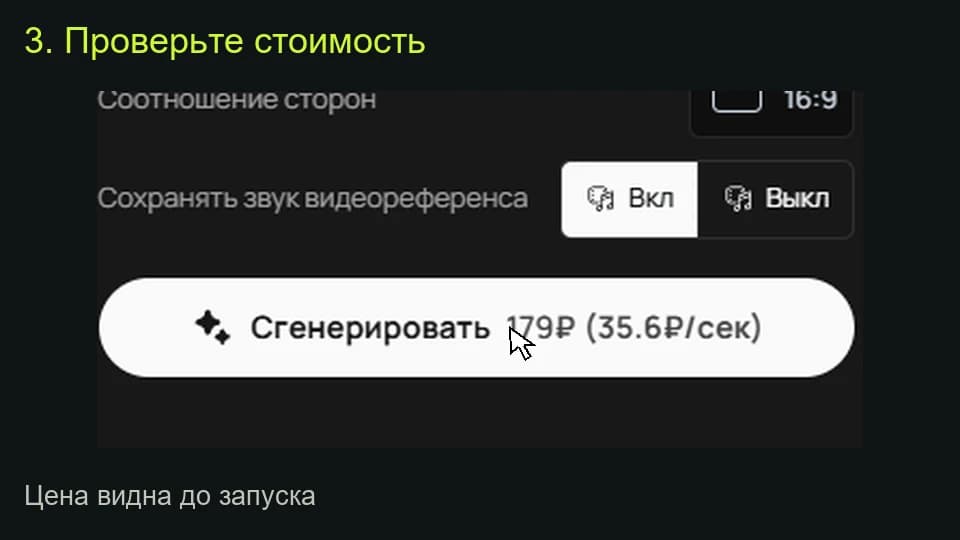
The studio shows the total for the selected settings before a media task starts. Pricing information (Russian) ↗
Start with the required input and result. Compare models using the same brief and compatible settings. Evaluate the full output, the number of usable attempts and the total cost rather than treating one model as universally best.
A generator can supply individual shots. A longer film usually needs a storyboard, accepted clips, editing, titles and sound review. Plan that work separately from a single generation.
Select the model and settings in the studio to see the current price before submitting a media task. Different versions, output quality, duration or text length can change the total. Check your account for any available free quota; this page does not promise unlimited or free access.
An example is a starting point. Reference-led work also depends on the source files, settings and model version. Add your own permitted inputs and adapt the brief to them. Neither an original prompt nor a translated explanation guarantees an identical output.