
An explainer voiceover
Keep the argument in short sentences and group related ideas. Listen for emphasis and pauses that support understanding.
MOST AI · Text to speech
Write it clearly.
Hear it spoken.
Turn a prepared script into speech with supported ElevenLabs and Gemini TTS models in Most AI. Check voice, pronunciation and cost before a long recording.
Review settings and cost before starting
Меня нашли добрые люди в лесу, я был голоден и у меня был поврежден левый глаз. Меня вылечили и отдали в мою семью. Мне дали имя Семён
Text-to-speech begins with a script that is ready to be spoken. Correct punctuation and concise sentences help communicate pacing, but the output still needs listening review. Test unfamiliar names, abbreviations and numbers before creating a longer narration.
Keep the argument in short sentences and group related ideas. Listen for emphasis and pauses that support understanding.
Use the correct product names and verify factual wording. Make the script fit the edit instead of relying on unusually fast speech.
Choose a mode that supports multiple speakers and assign lines clearly. Check that the speaker roles remain coherent throughout the recording.
Existing Most AI work with the actual model identified. Original source prompts are preserved and may be in Russian. Audio samples may contain Russian speech or lyrics; they are not presented as English-language generations.
Open selects the model in the studio. Review its actual name and available inputs before starting. An overview link is provided only where the corresponding English page is ready.
Turn text into speech with ElevenLabs V3 or V4 in Most AI. Choose a voice, prepare pronunciation and review the full narration or dialogue.
Create speech with Gemini 3.1 TTS in Most AI. Prepare a script, choose an available voice and describe the intended pace and delivery.
Expand ambiguous abbreviations and write difficult numbers in words. Remove any notes that should not be read aloud.
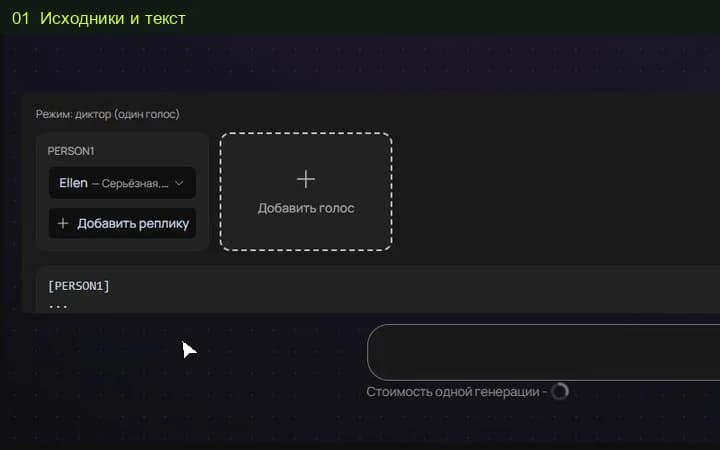
Select a supported model and available voice. Keep style instructions separate from the speech text and review the current quote.
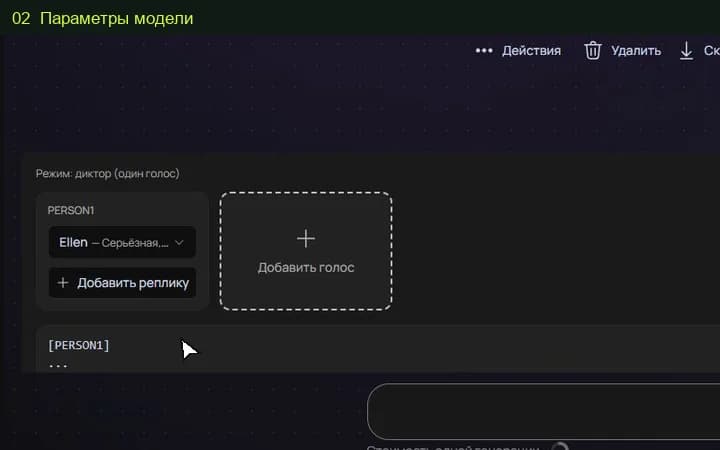
Check the full recording, including transitions and the ending. Revise problematic wording and test it before producing a longer version.
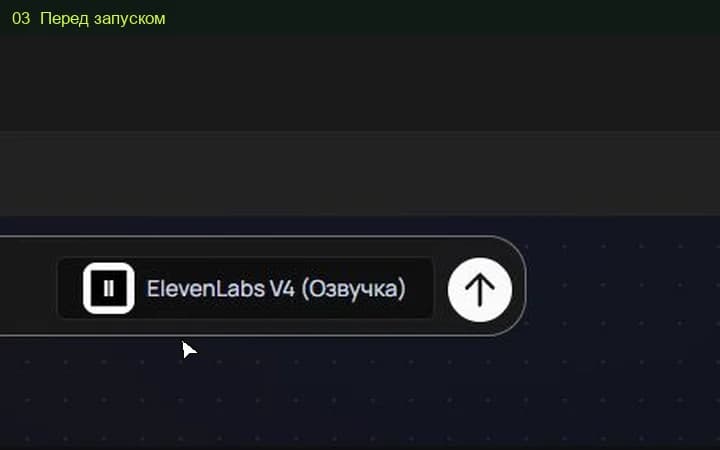
The studio shows the total for the selected settings before a media task starts. Pricing information (Russian) ↗
This page covers text-to-speech. A different input or voice conversion task requires a separately confirmed model and studio mode.
Keep production comments out of the speech text and use the appropriate style fields where available. Listen to a short test passage before committing to a long script.
Select the model and settings in the studio to see the current price before submitting a media task. Different versions, output quality, duration or text length can change the total. Check your account for any available free quota; this page does not promise unlimited or free access.
An example is a starting point. Reference-led work also depends on the source files, settings and model version. Add your own permitted inputs and adapt the brief to them. Neither an original prompt nor a translated explanation guarantees an identical output.