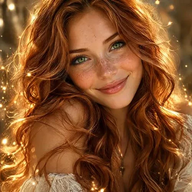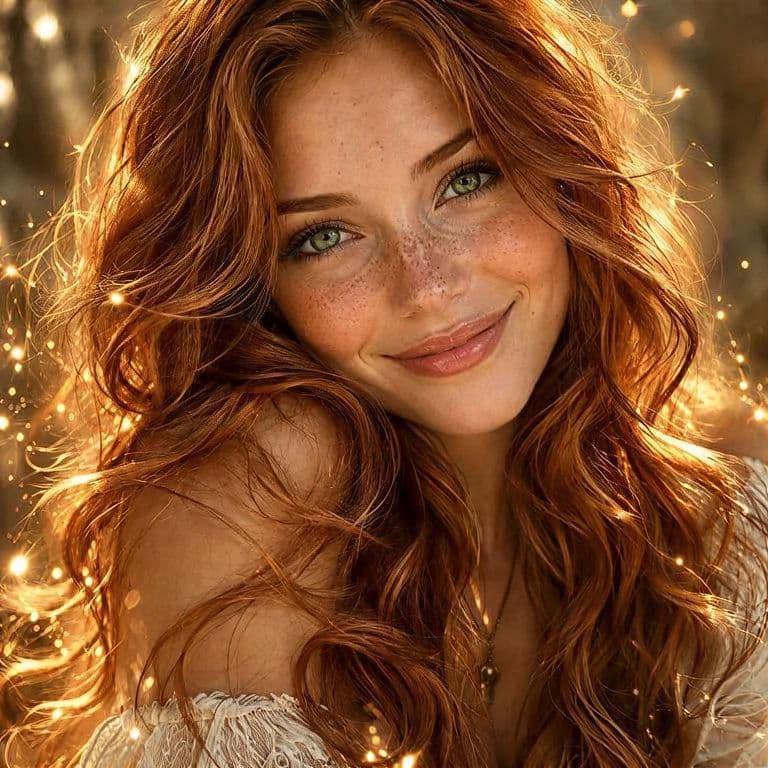
Make a portrait more expressive and examine facial detail.

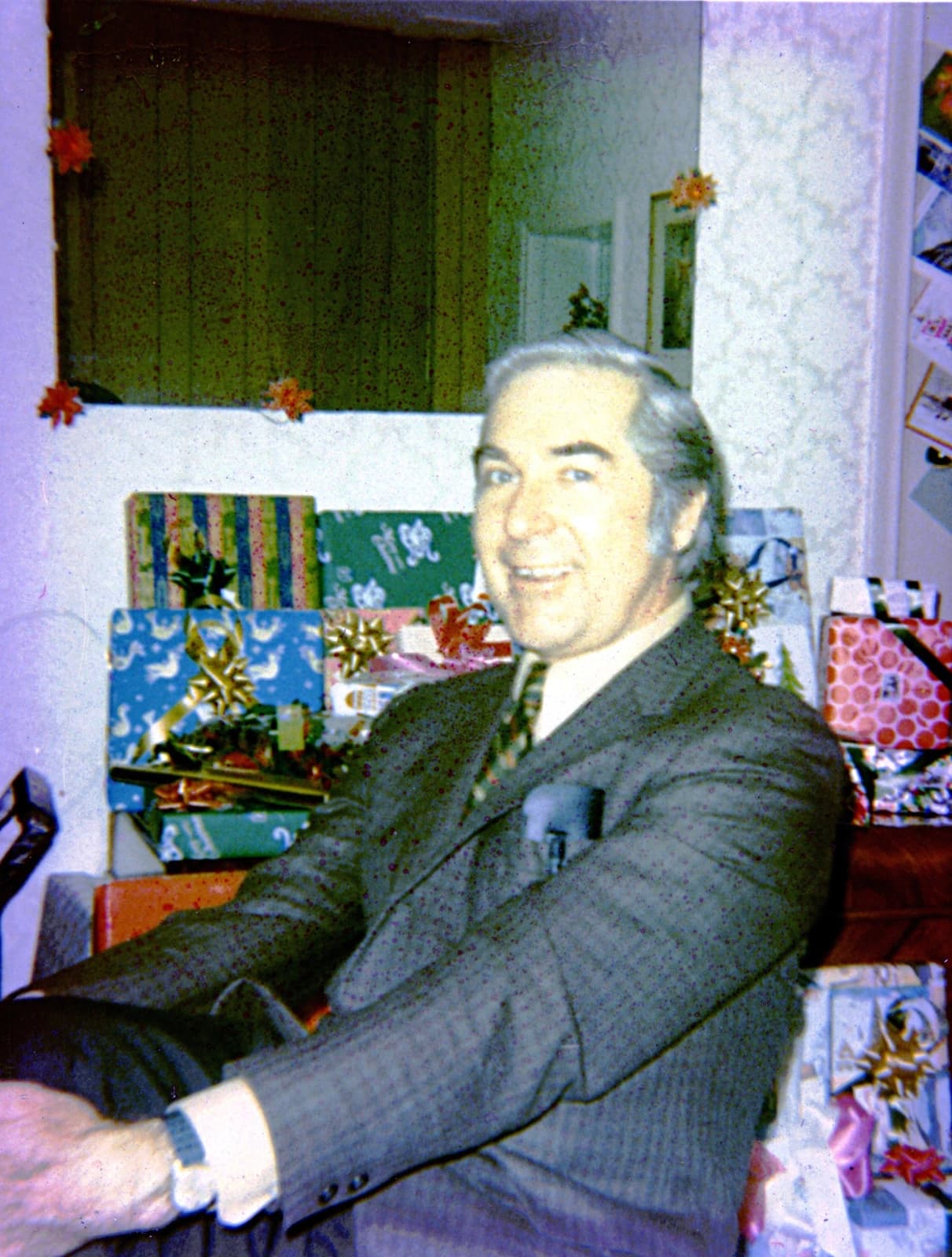

CACook7 · CC BY-SA 3.0 · Right: AI-enhanced image
Most AI tools
Bring faded colours back to life, improve contrast and reduce photo noise with AI.
In your browser · Price before you start
Make a portrait more expressive and examine facial detail.
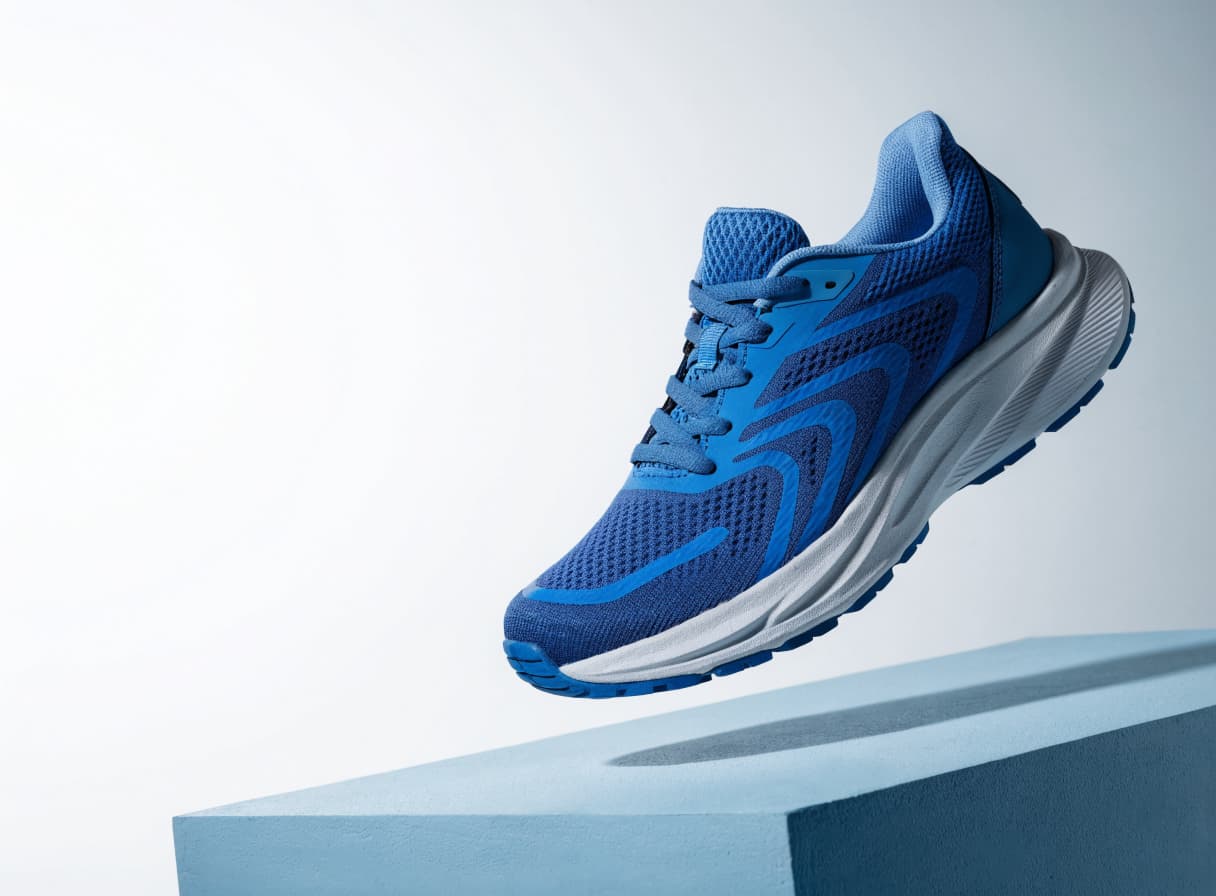
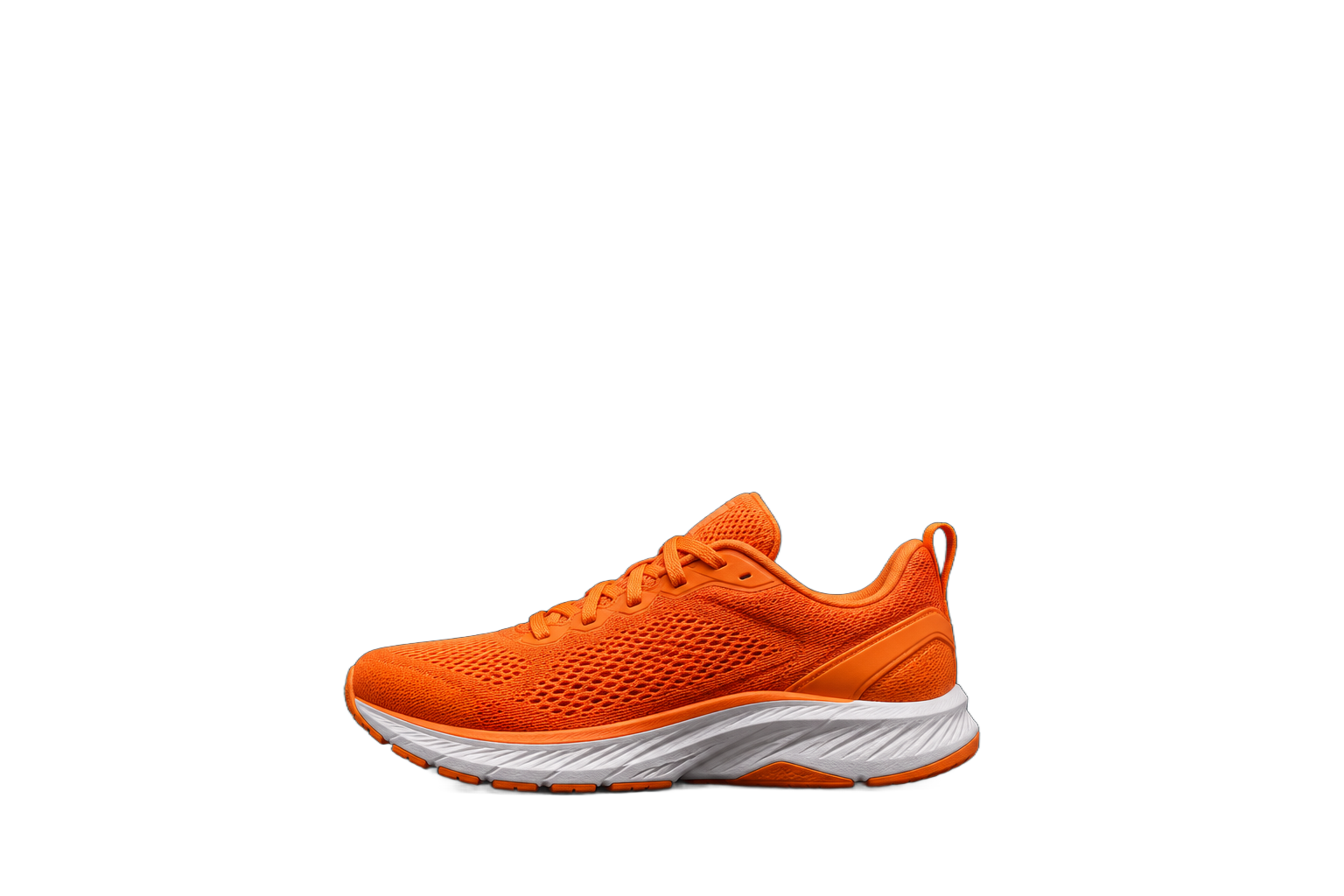
Prepare a product photograph for a catalogue or publication.

Process a family photograph before saving it in an album.
The recordings show the Russian-language studio with English step captions.

Find the photo enhancement tool.

Add the photograph you want to enhance.

Check the price and click Generate. After processing, open and download the photograph.
IN MOST AI STUDIO
Open the tool and add the materials you need. Available settings appear in the studio.
Enhance photo
AI can adjust colours, improve contrast and reduce noise. The effect depends on the source photograph.
AI may reconstruct details and change framing. Keep the original when documentary accuracy matters.
Photo enhancement changes the appearance of a photograph. Use the separate upscaling tool to increase resolution by 2 or 4 times.
You pay to enhance one image. The form shows the amount before processing. Most AI pricing ↗