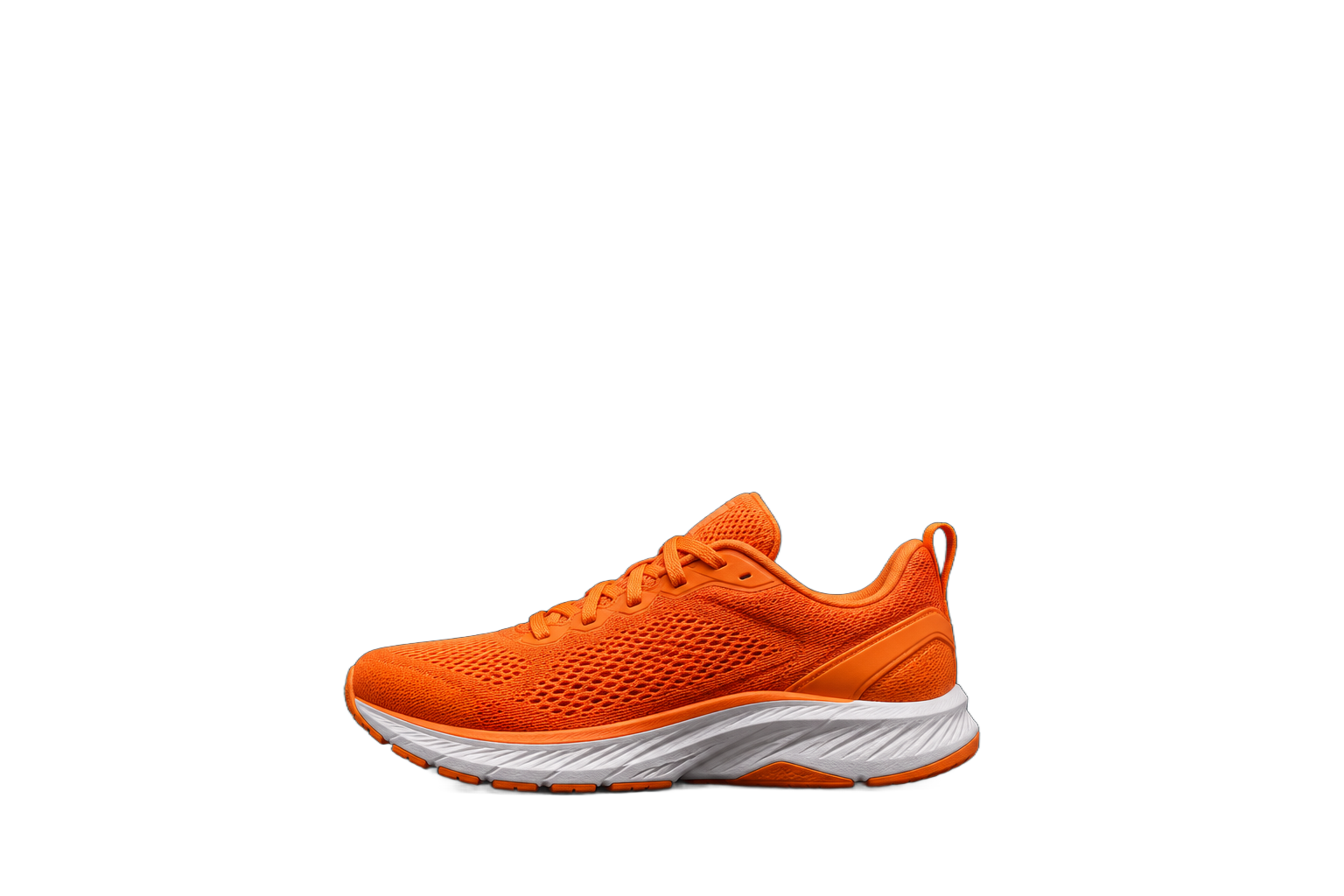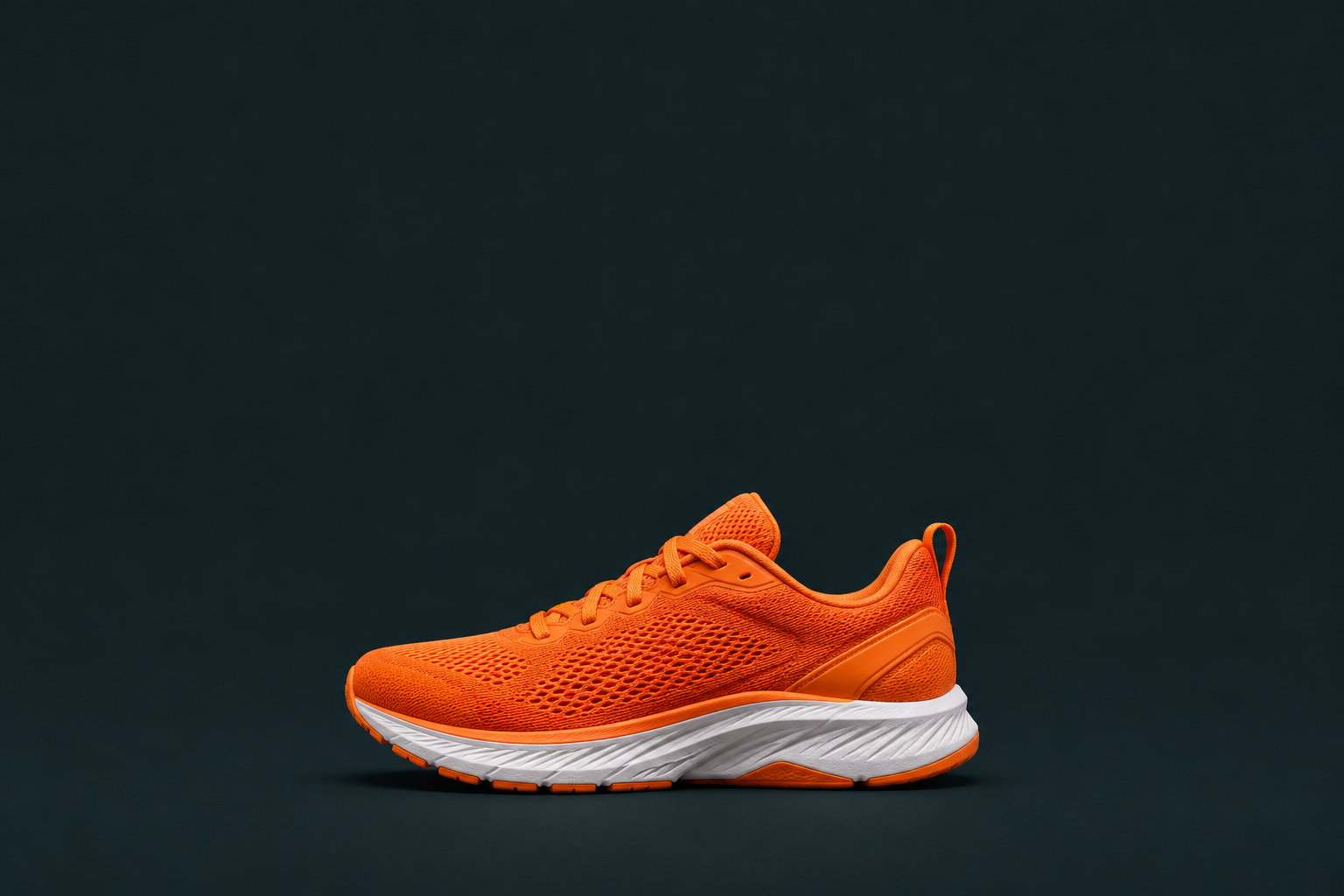
Prepare a small photo for a larger display.


Most AI tools
Increase image resolution by 2× or 4× for a website, publication or print layout.
In your browser · Price before you start
Prepare a small photo for a larger display.
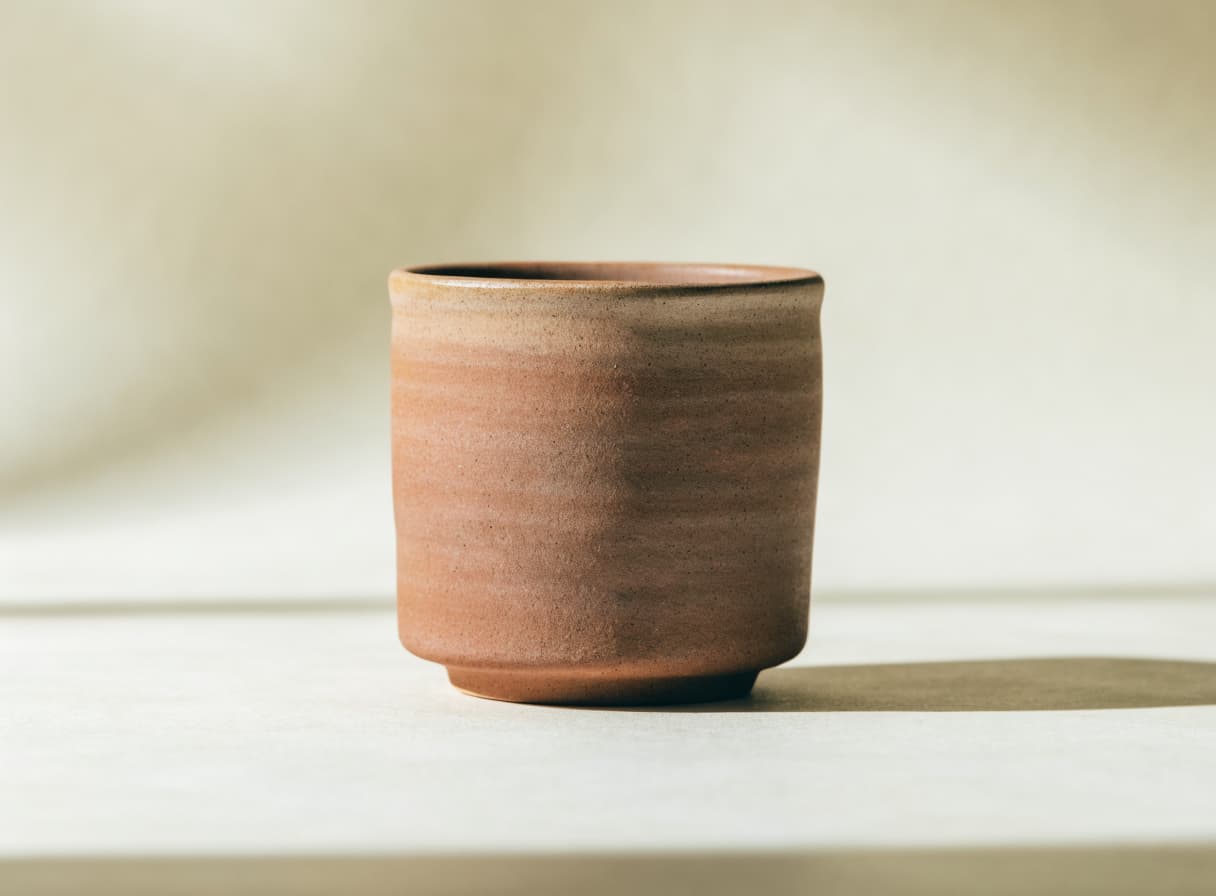
Enlarge a product image.
Make an illustration larger for a layout.
The recordings show the Russian-language studio with English step captions.

Find the image upscaling tool.

Add a photograph or illustration.

Choose 2× or 4× and check the price, then click Generate. Once processing is complete, open and download the result.
IN MOST AI STUDIO
Open the tool and add the materials you need. Available settings appear in the studio.
Upscale image
You can choose 2× or 4×.
No, it increases resolution within the original frame.
Increasing resolution does not guarantee accurate recovery of detail missing from the source.
You pay to process one image. Select 2× or 4× upscaling and check the amount in the form before processing. Most AI pricing ↗