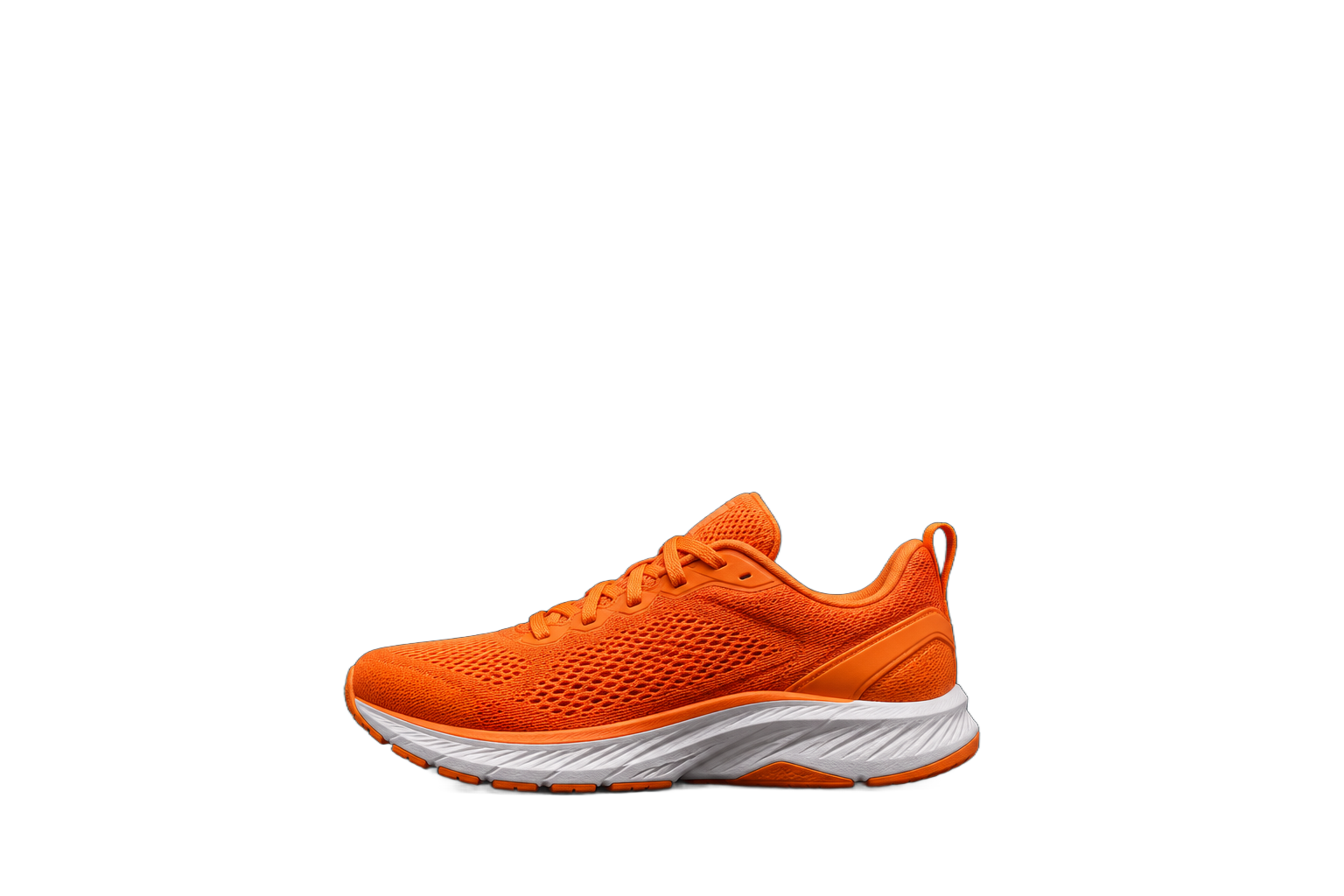
Create a portrait for a personal project.
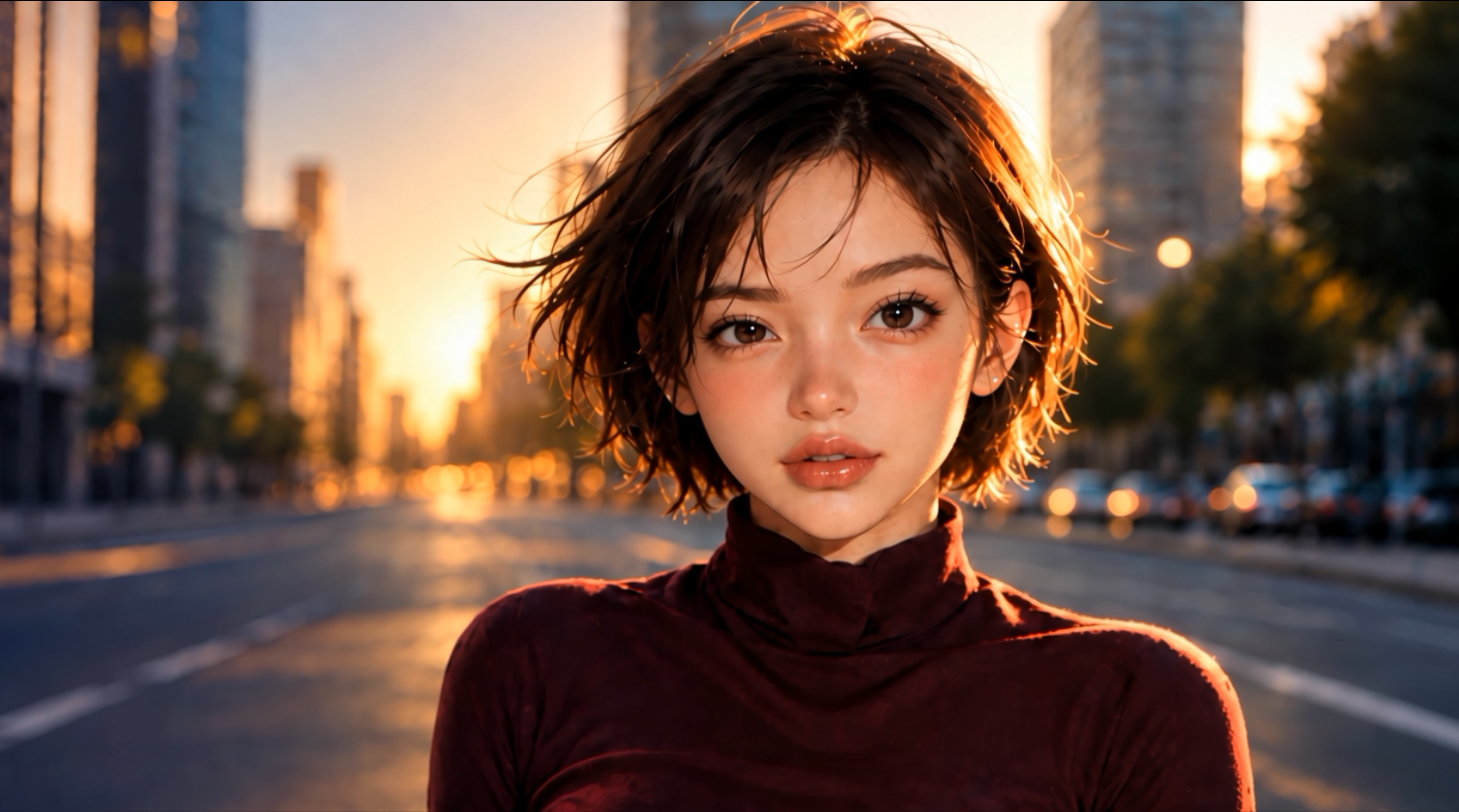 Face to use
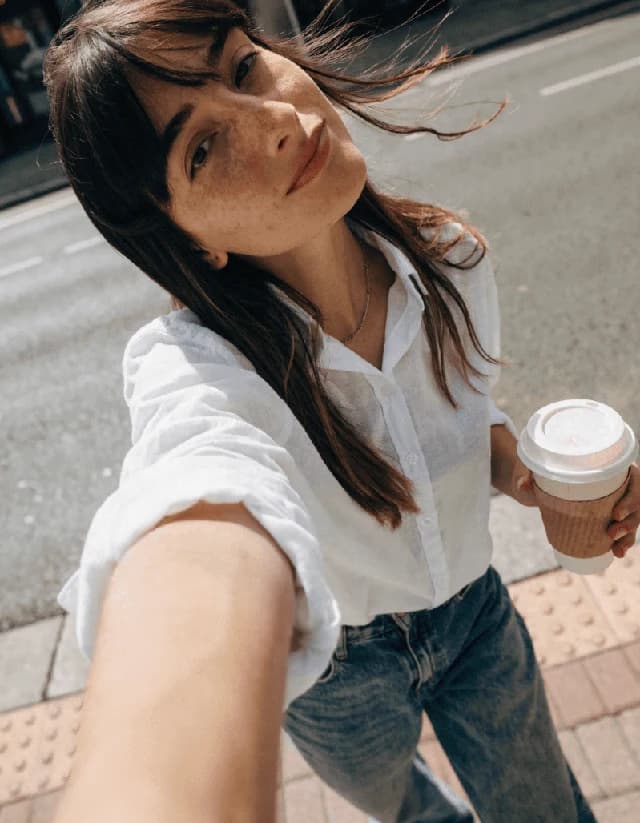 Before
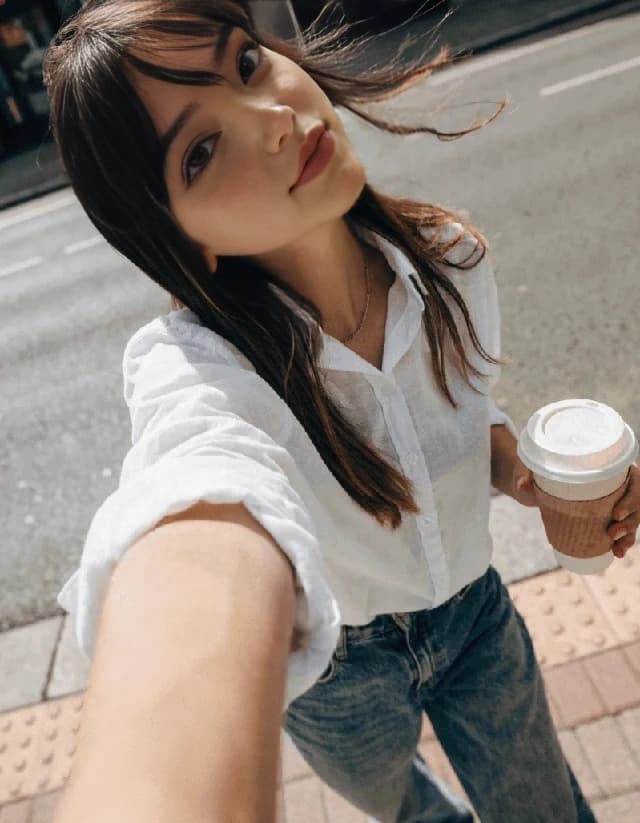 After
Most AI tools
Replace a face in a photo using a separate photo of the person.
In your browser · Price before you start
Create a portrait for a personal project.
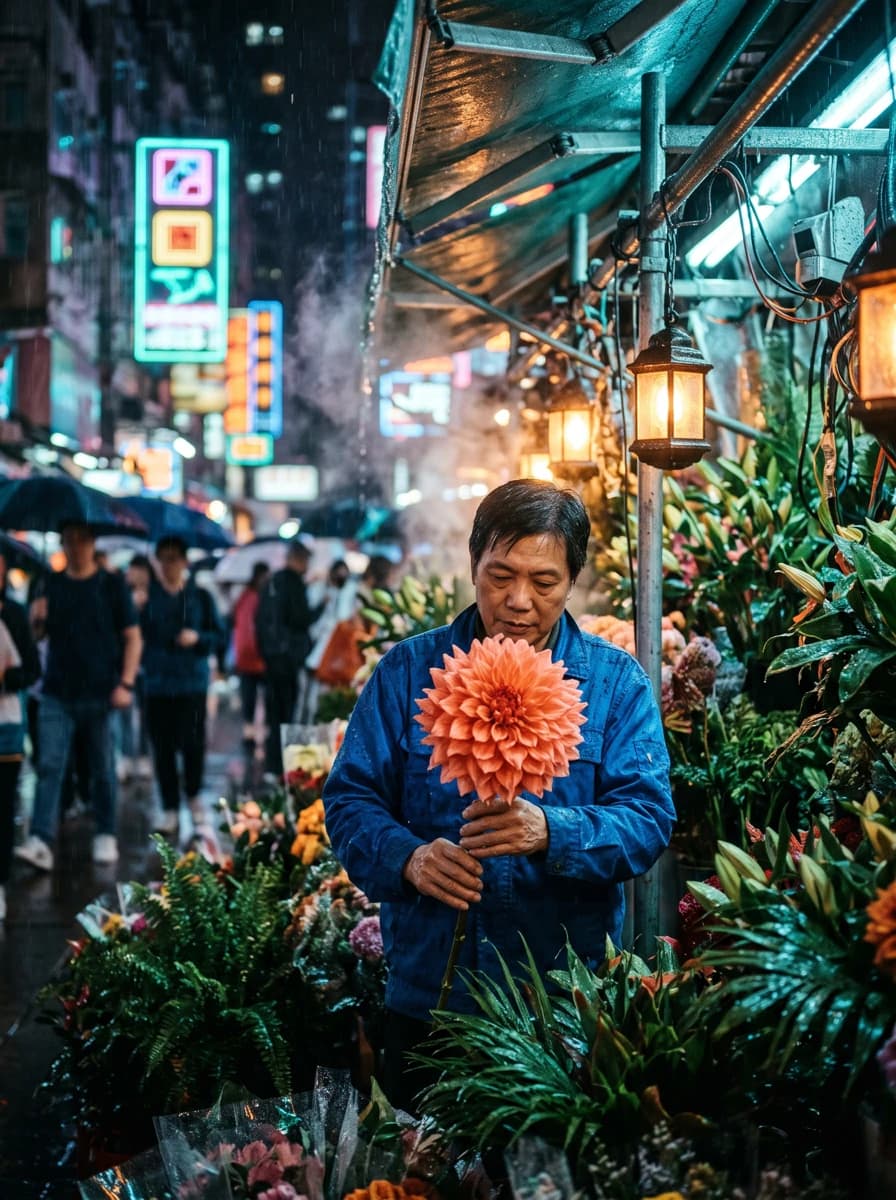
Place a face in a prepared scene.

Try a different look in a photo.
The recordings show the Russian-language studio with English step captions.

Add the photo of the face you want to transfer.

Upload the image you want to change.

Check the price and click Generate. After processing, open and download the result.
IN MOST AI STUDIO
Open the tool and add the materials you need. Available settings appear in the studio.
Swap face
Upload a face photo and the image where you want to replace the face.
Use images you have rights to and obtain consent from the people depicted.
You pay for one face-swap result, which uses two input photos. The form shows the amount before processing. Most AI pricing ↗