Create a talking character for a presentation.
Most AI tools
Add a photo and an audio recording to create a video of the character speaking or singing to your sound.
In your browser · Price before you start
Create a talking character for a presentation.
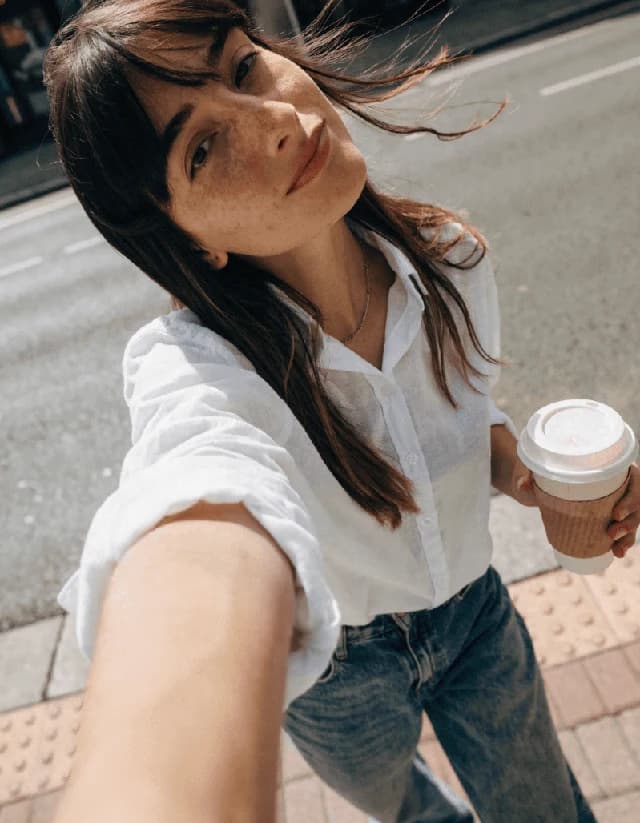
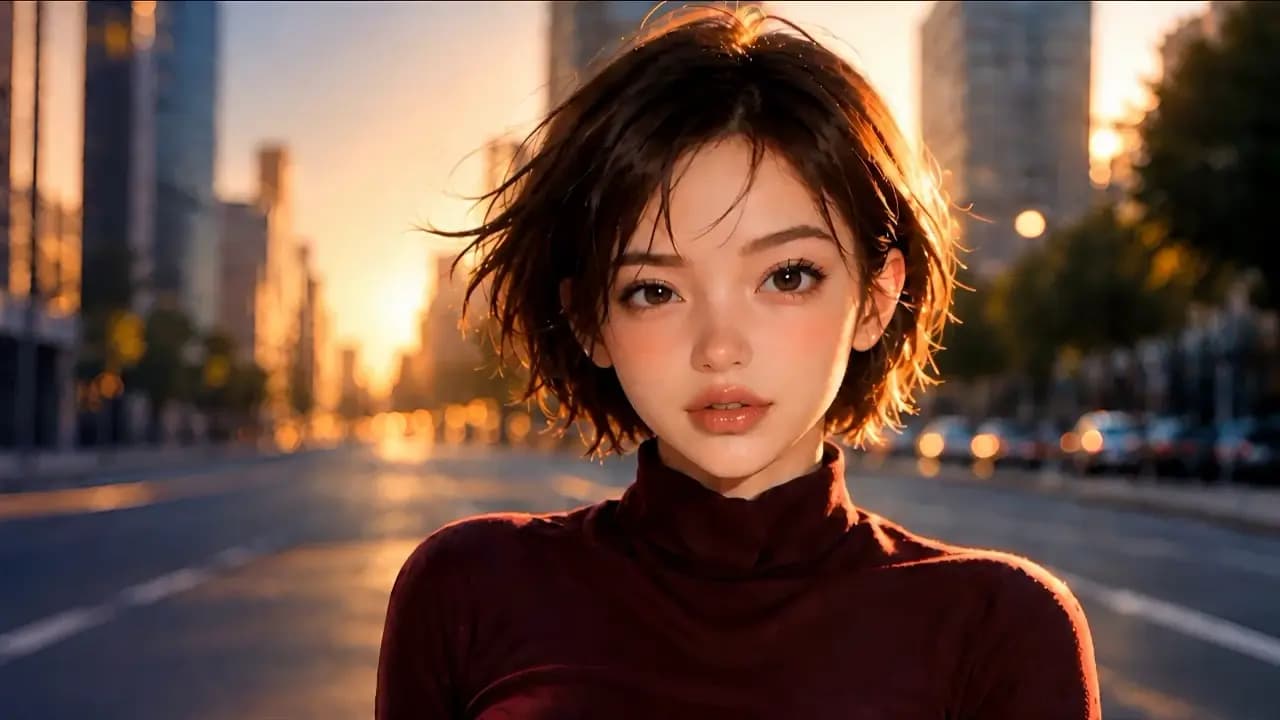
Animate a portrait with recorded speech.

Use a song from your audio recording.
The recordings show the Russian-language studio with English step captions.

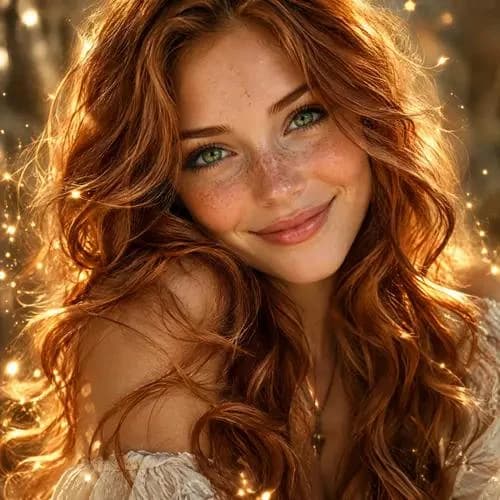
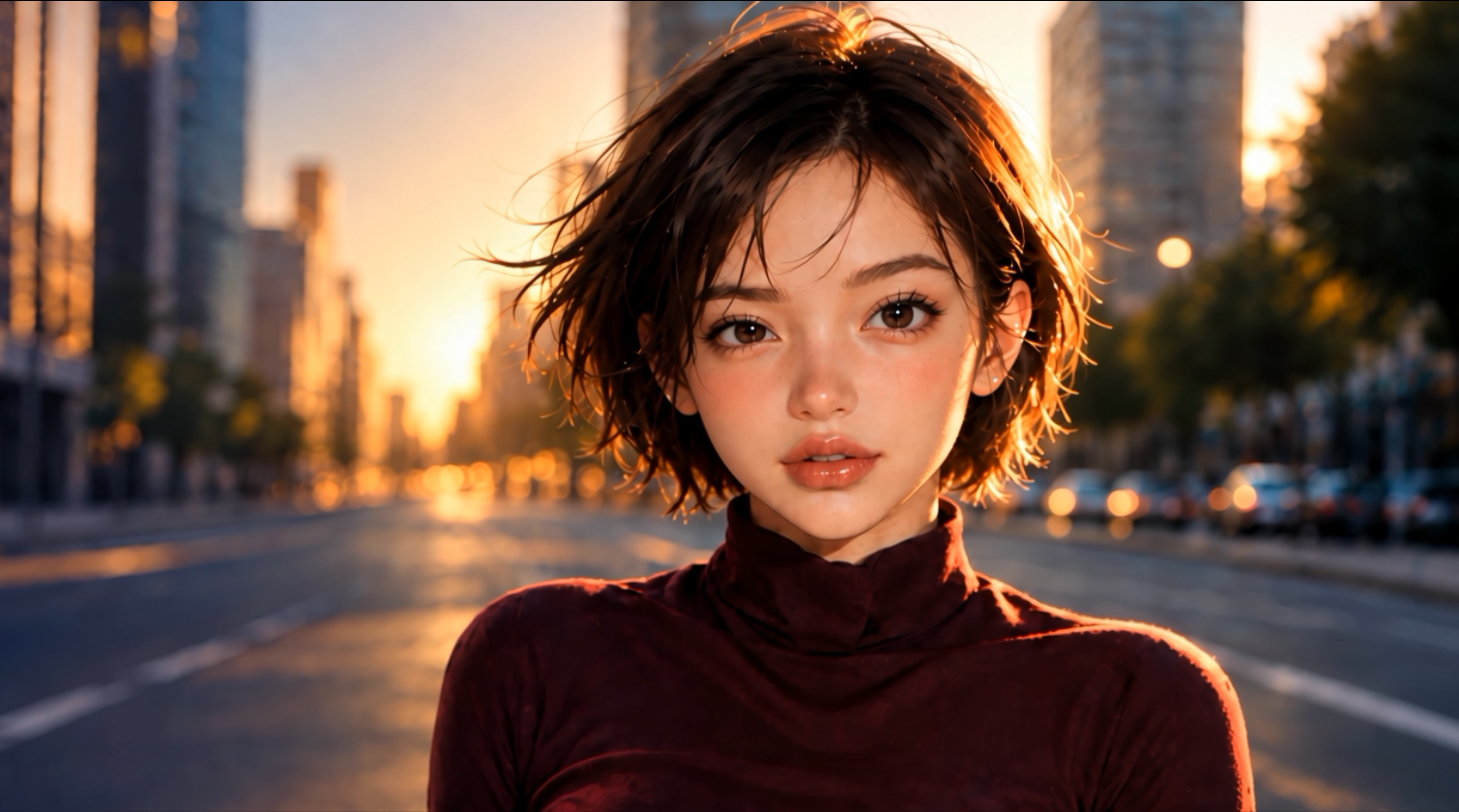
Upload a photo of the character.

Add a voice or song recording.

Choose quality and check the price, then click Generate. After generation, open and download the video.
IN MOST AI STUDIO
Open the tool and add the materials you need. Available settings appear in the studio.
Create avatar
A photo of the character and a ready-to-use voice or song recording.
Use a clear portrait with a visible face. Hair, hands and other objects should not cover the mouth.
Choose 720p or 1080p in the studio. The price is shown before generation and depends on quality and audio duration.
This tool requires an existing audio recording.
Use a photo and recording you have rights to, with consent from the person depicted and voice owner.
The cost is calculated from the audio duration in seconds and the selected quality: 720p or 1080p. Upload the recording and check the total in the form before generation. Most AI pricing ↗