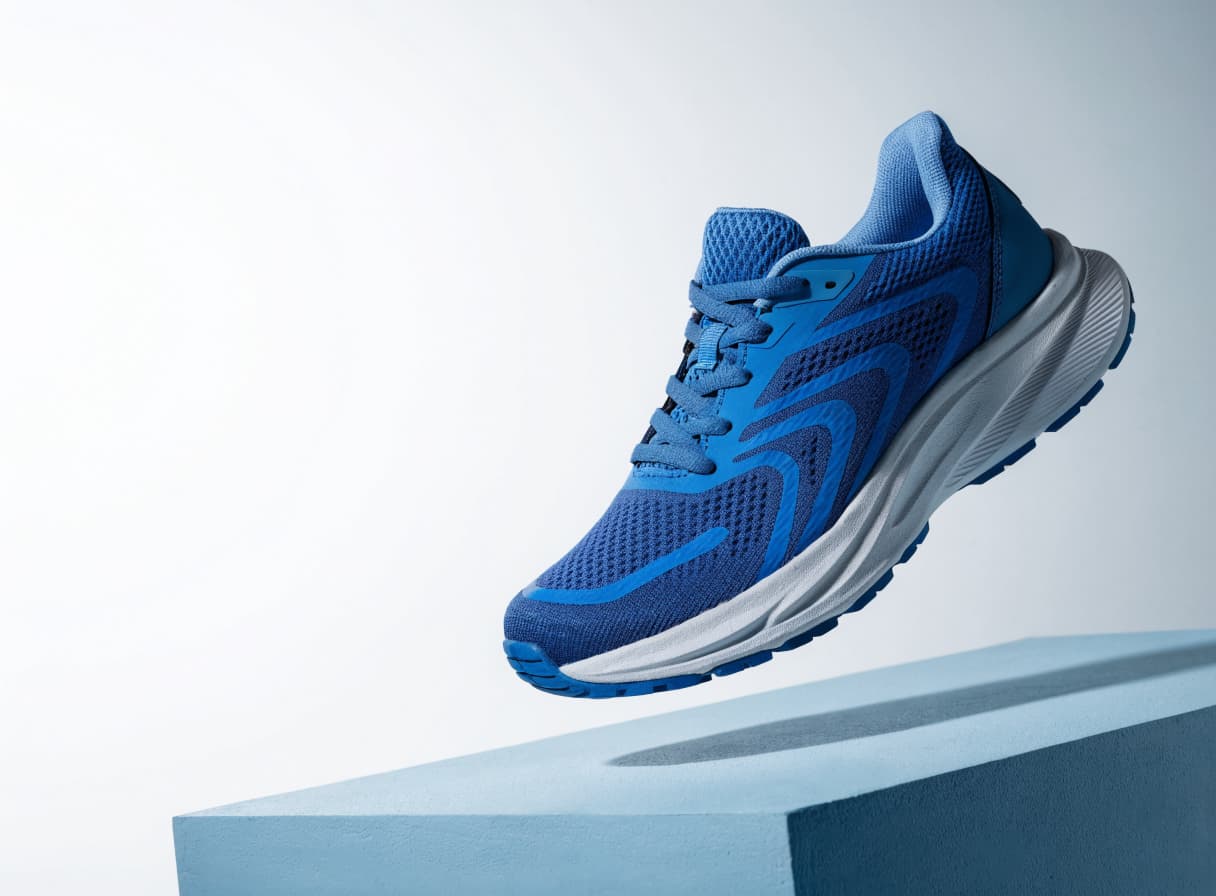
Create an interface icon.

Flat vector illustration: an orange fox among leaves. Three colours: orange, navy and cream. Clear shapes, no text.
Most AI tools
Describe a character, object or pattern, choose colours and a style, and create an SVG for your website, presentation or layout.
In your browser · Price before you start
Create an interface icon.
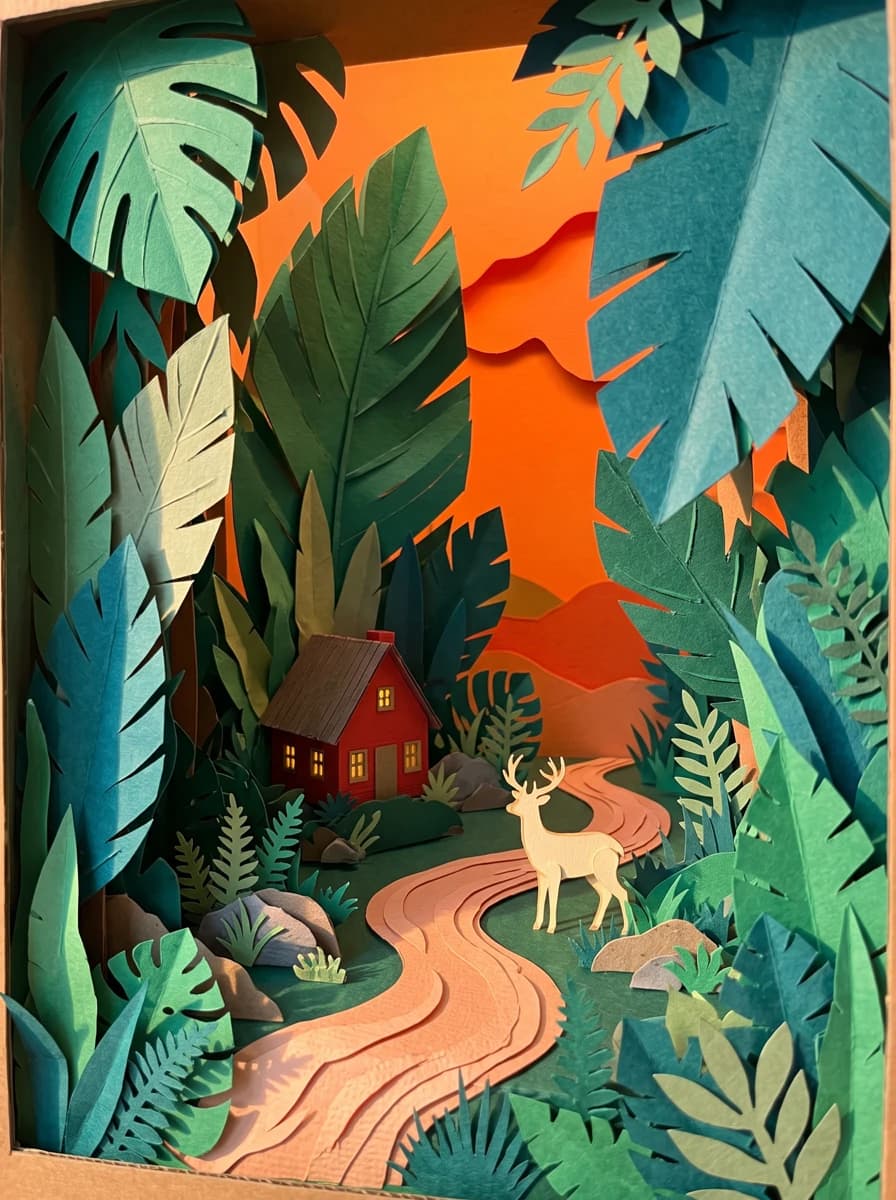
Create an illustration for a presentation.
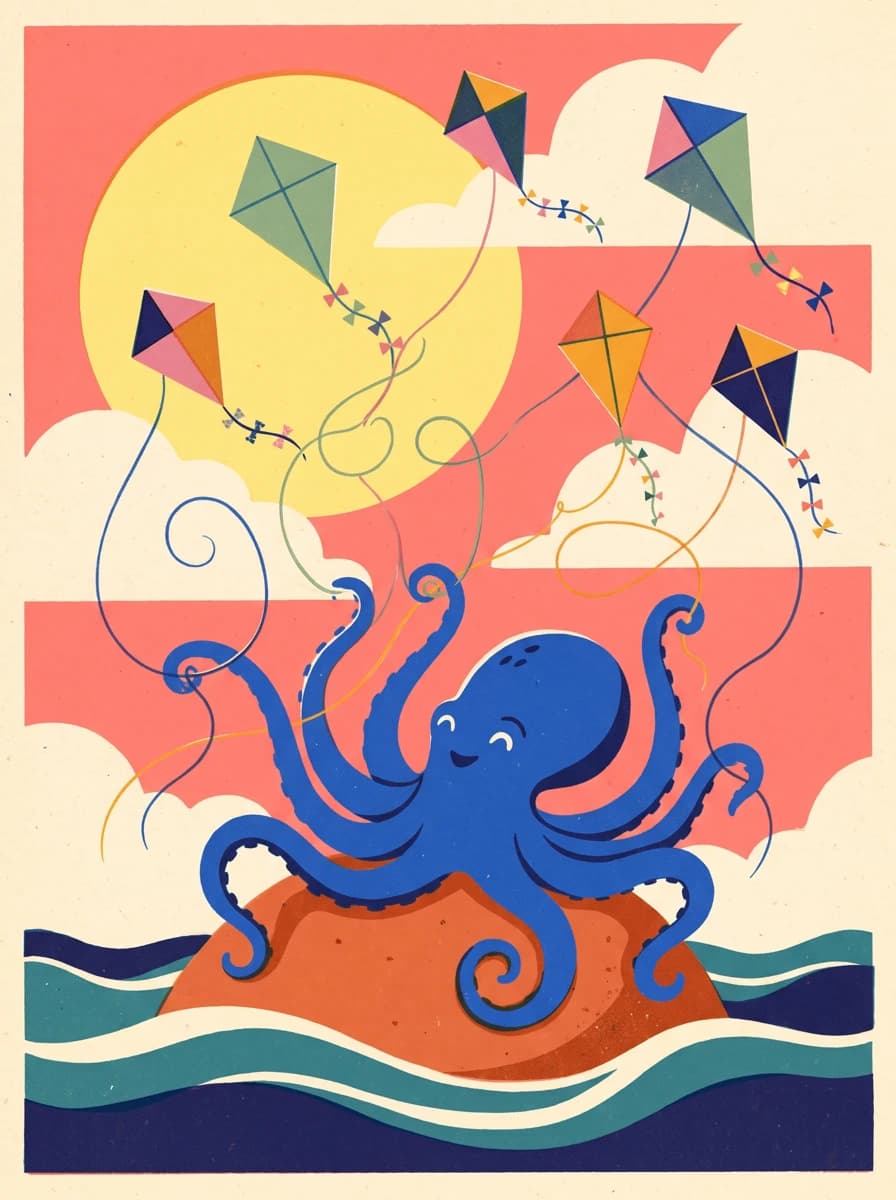
Explore a graphic idea for a design.
The recordings show the Russian-language studio with English step captions.

Find the vector image tool.

Describe the subject, colours and style.

Choose the aspect ratio and check the price, then click Generate. After generation, open the result and download the SVG.
IN MOST AI STUDIO
Open the tool, describe the image and choose the available settings in the studio.
Create SVG
No. Describe the subject, colours and style in text to create a new SVG.
This tool creates a new graphic from your description. To convert an existing picture into SVG, use the vectorization tool.
SVG uses vector paths, so you can scale it for a website or layout without pixelated edges.
Start with the main subject, then specify the palette, style and composition. For example: an orange fox among leaves, three colours, clear flat shapes, no text.
You pay to create one SVG from your description. Choose the aspect ratio and check the amount in the form before generation. Most AI pricing ↗