Prepare an illustration for scaling.
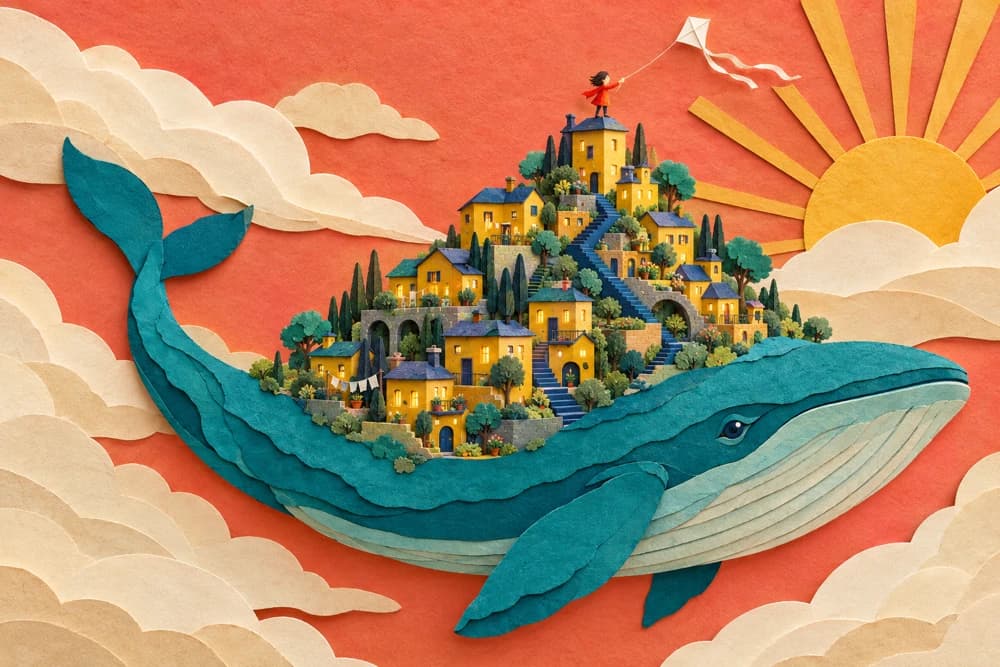
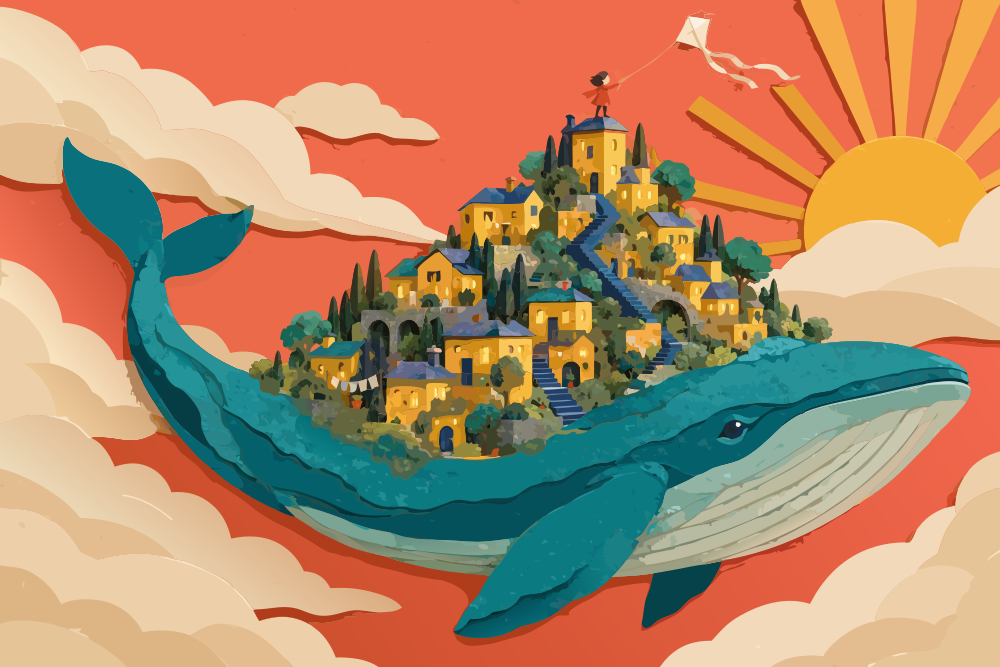 Raster pixelsVector curves
Most AI tools
Turn an existing image into SVG: enlarge your illustration without pixelated edges and work with its contours in a vector editor.
In your browser · Price before you start
Prepare an illustration for scaling.

Convert an icon or simple graphic to SVG.
Use the result in a design layout.
The recordings show the Russian-language studio with English step captions.

Find the image-to-vector tool.

Upload an image between 256 and 4096 pixels.

Check the price and click Generate. After processing, open the result and download the SVG.
IN MOST AI STUDIO
Open the tool and add the materials you need. Available settings appear in the studio.
Vectorize image
The result is an SVG that can be scaled and used in graphics editors.
The supported image size is 256–4096 pixels.
Vectorization converts an image into geometric SVG contours. Upscaling increases resolution while keeping a raster format.
Start with an illustration, icon or graphic with clear shapes. Photos and complex textures may become simpler after conversion.
You pay to convert one image to SVG. The form shows the amount before conversion. Most AI pricing ↗