
Prepare a product image for a catalogue.
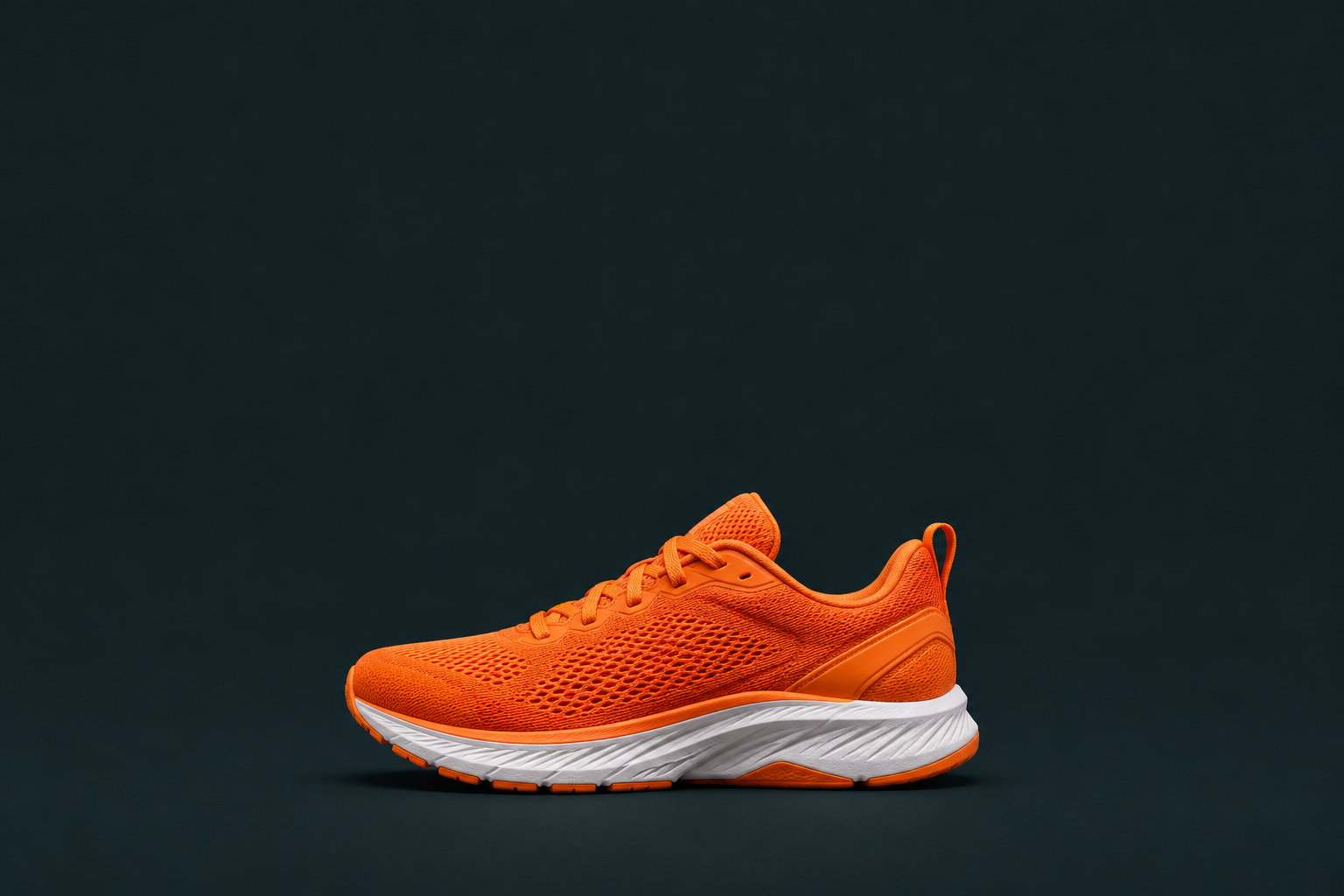
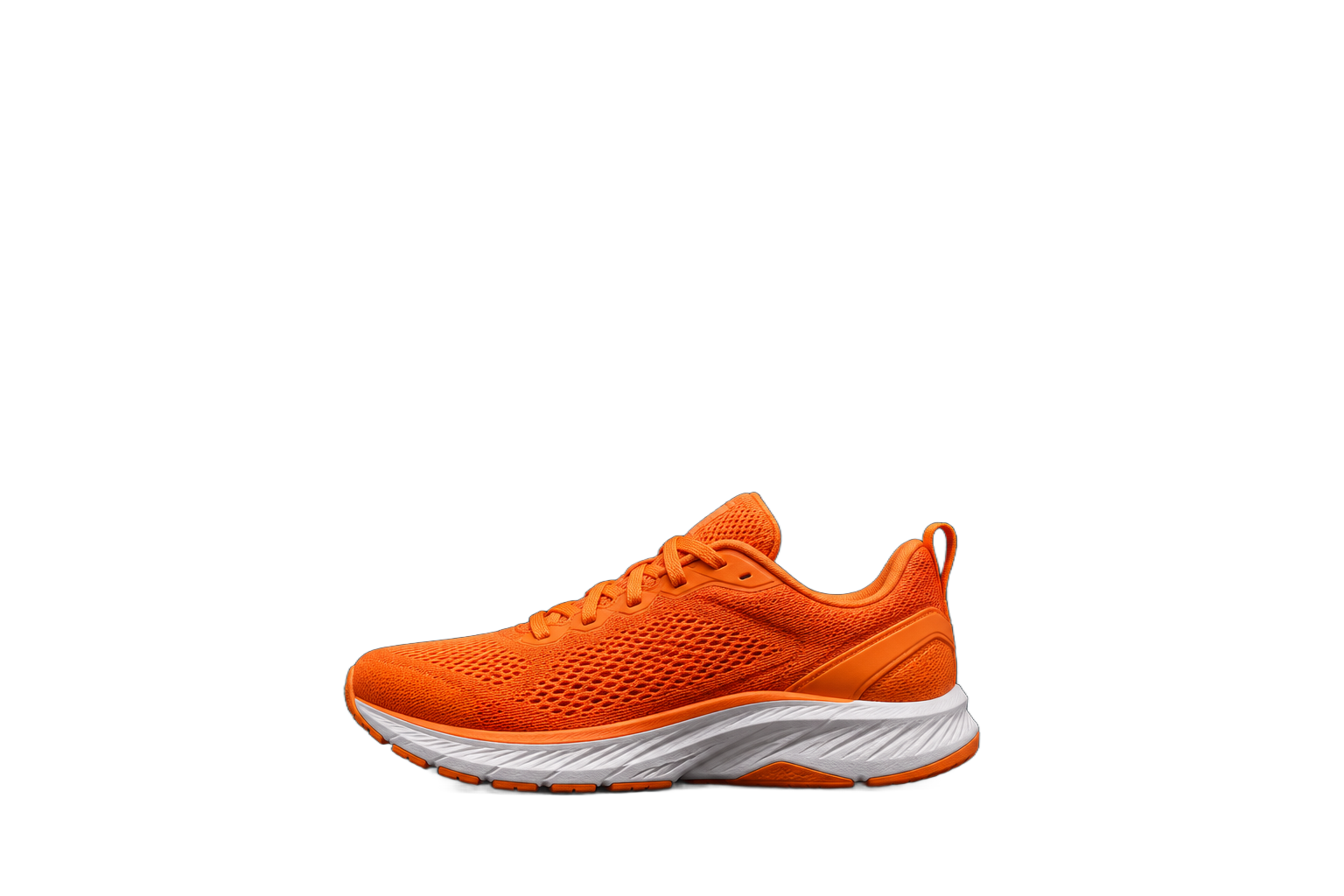
MOST AI TOOLS
Remove a photo background
Remove the background from a photo and get a transparent PNG for product images, collages and layouts.
In your browser · Price before you start
What you can do
Place a person or object on a different background.
Add an object to a presentation or collage.
How to start
The studio is shown in Russian. Follow the English instructions below each recording.
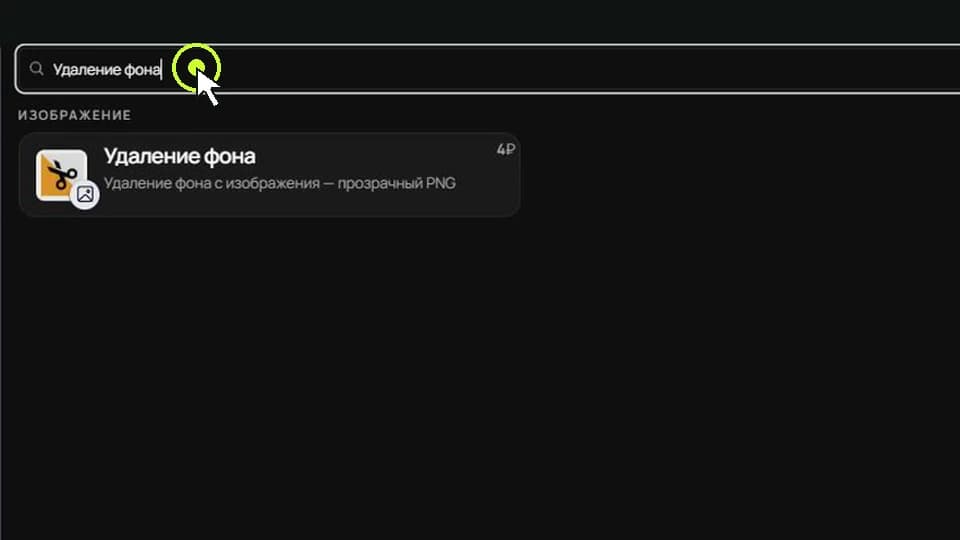
Choose Background removal
Open the model picker. Search for «Удаление фона» (Background removal), then select it.
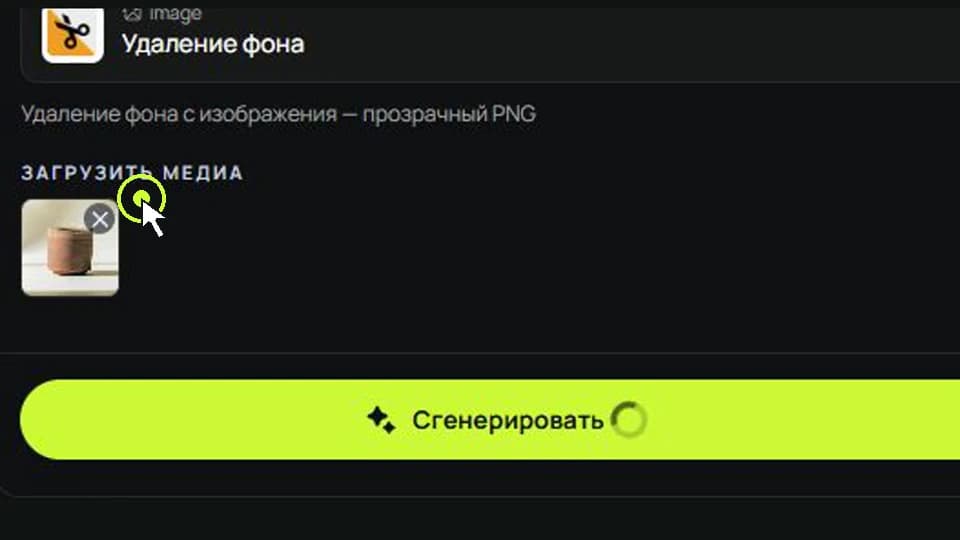
Upload your photo
Click «Изображение» (Image), then «Загрузить с устройства» (Upload from device). Choose your photo and check the displayed price.
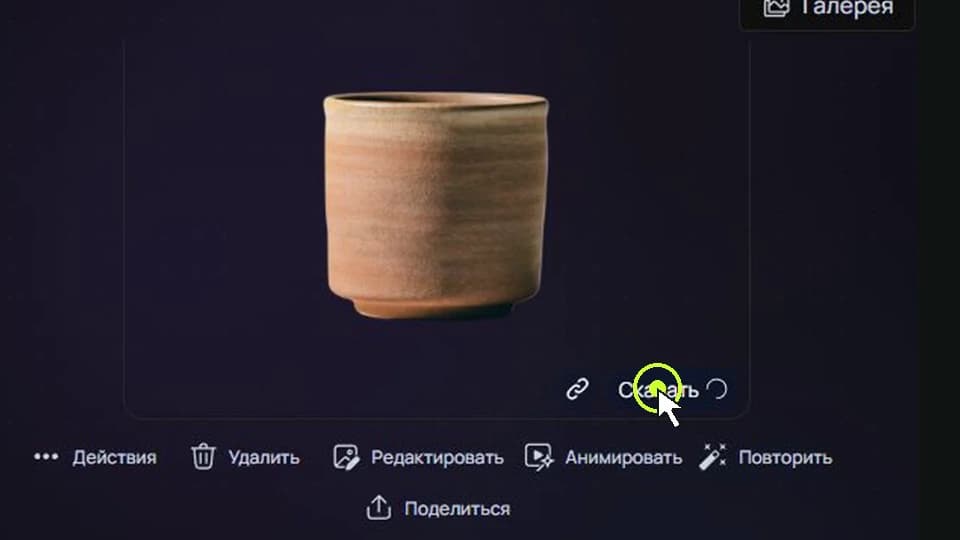
Save the transparent PNG
Click «Сгенерировать» (Generate). When processing finishes, open the result and use the download control to save the PNG.
IN MOST AI STUDIO
See the tool
Open the tool and upload a photograph to remove its background.
Remove background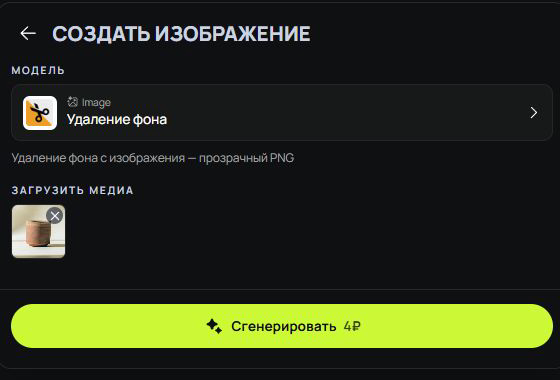



Frequently asked questions
What format is the result?
The tool saves an image with a transparent background as PNG.
How are complex edges handled?
Inspect the result around hair, glass and translucent details.
How is the cost calculated?
You pay to remove the background from one image and create a transparent PNG. The form shows the amount before processing. Most AI pricing ↗